
Reverse-Proxy Example
In this example, you will configure the visualization to run behind a path-prefixed reverse proxy.
When using the visualization as a cloud service, it is a common way to use a reverse proxy
with different path prefixes for different services hosted at the same domain name.
We use traefik as a reverse proxy in this example
and configure the path prefix /cloud/visu/.
Note
To use voraus 3D Visu behind a reverse proxy, the reverse proxy must strip the path prefix and store it in the X-Forwarded-Prefix header, which is done by the traefik stripprefix middleware automatically. This ensures that the voraus 3D Visu handles both: external requests via path prefix as well as internal requests without path prefixes.
Check the Docker compose File and the Traefik Configuration File for more information.
Open the Example in VSCode
Open the folder /examples/reverse-proxy/ in VSCode, press ctrl + shift + p
and select Dev Containers: Rebuild and Reopen in Container as shown in the figure below.
It takes a moment for the dev container to be started.
In VSCode, press ctrl + shift + p and search for Simple Browser: Show,
enter localhost:8077/cloud/visu/
and press <enter> to display the 3D visualization as shown below.
Fig. 37 The empty 3D visualization hosted at localhost:8077/cloud/visu/
Load a Model of the Box
The Python file reverse_proxy.py loads the 3D model of the box into the 3D visualization.
"""Example for using a reverse proxy."""

from pathlib import Path

from voraus_3d_visu import Visu

visu = Visu("http://voraus-3d-visu/", clear_all=True)
model = Path(__file__).parent / "box.glb"


if __name__ == "__main__":
    with visu.connection():
        box = visu.add_model(model, position=[0, 0, 0])
Open a terminal in VSCode and start the reverse_proxy.py Python script with the following command.
python reverse_proxy.py
The box will appear in the 3D visualization in the web browser as shown in the image below.
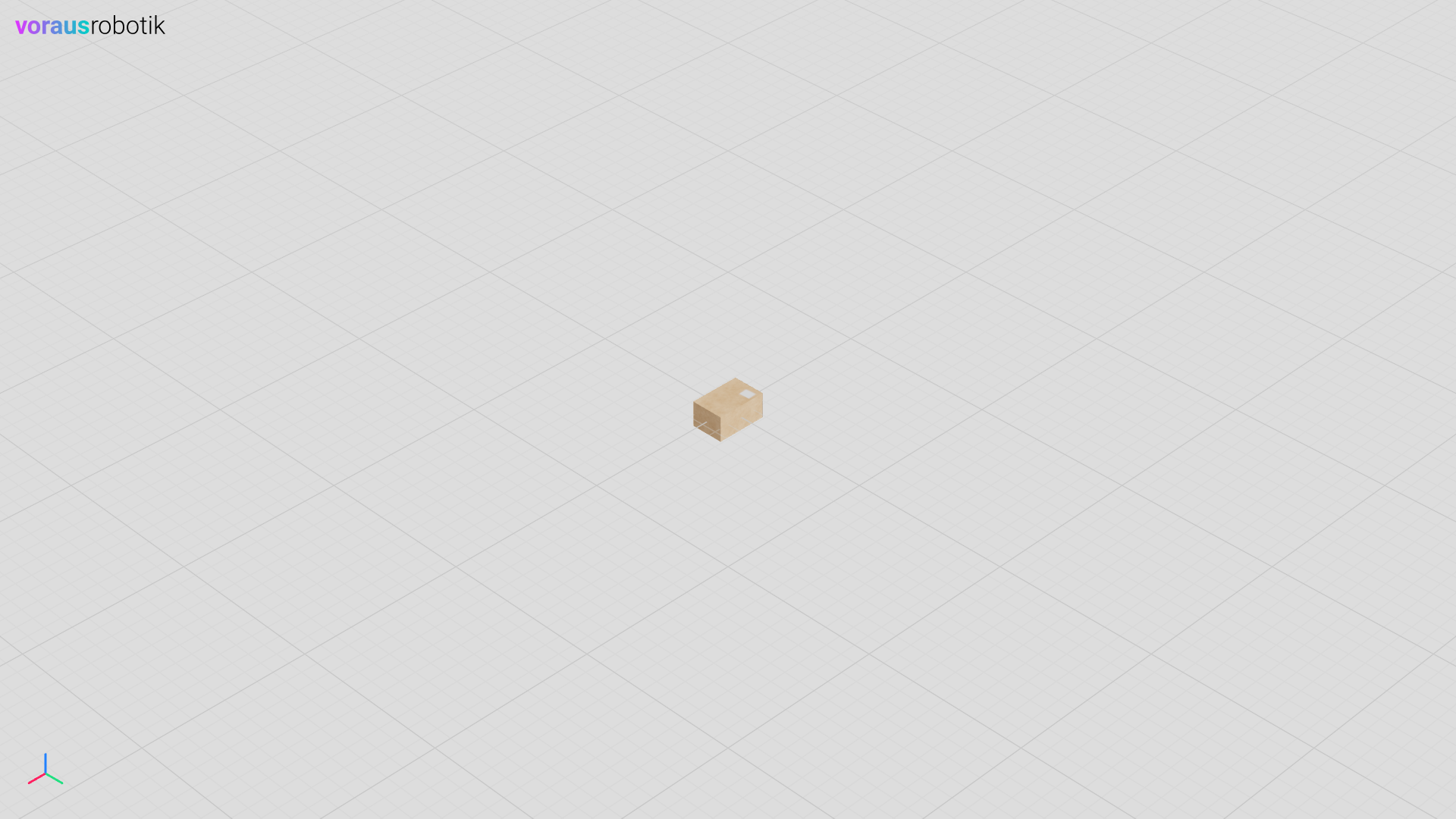
Fig. 38 The loaded box in the 3D visualization hosted at localhost:8077/cloud/visu/
Rotate and move the Box
After the box has been loaded, the Python script reverse-proxy.py waits until you press enter.
        input("Press enter to move and rotate the box.")
        visu.update(
            box.position.x(0.3),
            box.rotation.z(1.57),
        )
After you have pressed enter, the box is moved in the x direction and rotated around the z axis. The result is shown in the image below.
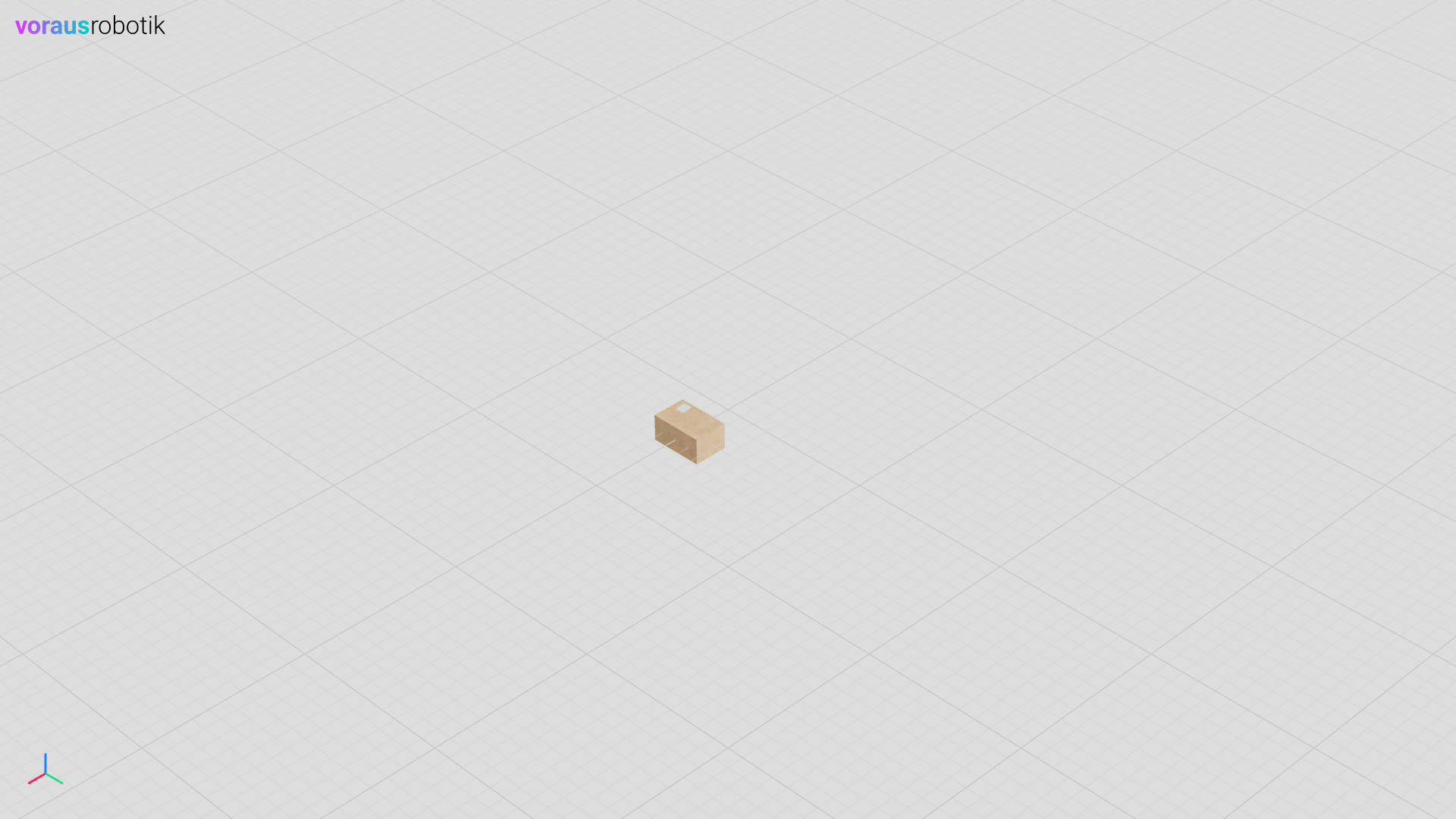
Fig. 39 The box in the 3D visualization hosted at localhost:8077/cloud/visu/
Docker compose File
Four services (Docker containers) are defined in the docker-compose.yml file. The codemeter service is required for licensing the software. The voraus-3d-visu service starts the web-based 3D visualization backend. The devcontainer service is intended for development with VSCode. The reverse-proxy service is the main entry point and handles the routing. The complete docker compose file is shown below.
docker-compose.yml
 1services:
 2  codemeter:
 3    hostname: codemeter
 4    image: artifactory.vorausrobotik.com/docker/voraus-codemeter:1.0.0
 5    environment:
 6      LICENSE_SERVER: host.docker.internal
 7    extra_hosts:
 8      - host.docker.internal:host-gateway
 9    networks:
10      - codemeter
11
12  voraus-3d-visu:
13    image: artifactory.vorausrobotik.com/docker/voraus-3d-visu:0.15.1
14    hostname: voraus-3d-visu
15    labels:
16      - "traefik.enable=true"
17      - "traefik.docker.network=traefik"
18      - "traefik.http.services.visu.loadBalancer.server.port=80"
19      - "traefik.http.routers.visu.service=visu"
20      - "traefik.http.routers.visu.rule=PathPrefix(`/cloud/visu`)"
21      - "traefik.http.middlewares.visu-redirect.redirectregex.regex=^(.*)/cloud/visu$$"
22      - "traefik.http.middlewares.visu-redirect.redirectregex.replacement=$${1}/cloud/visu/"
23      - "traefik.http.middlewares.visu-stripprefix.stripprefix.prefixes=/cloud/visu"
24      - "traefik.http.routers.visu.middlewares=visu-redirect,visu-stripprefix"
25    environment:
26      CODEMETER_HOST: codemeter
27    depends_on:
28      - codemeter
29    networks:
30      - codemeter
31      - traefik
32      - internal
33
34  devcontainer:
35    image: artifactory.vorausrobotik.com/docker/voraus-3d-visu:0.15.1
36    volumes:
37      - .:/home/localuser/workspace:cached
38    command: /bin/sh -c "while sleep 1000; do :; done"
39    environment:
40      CODEMETER_HOST: codemeter
41    depends_on:
42      - codemeter
43    networks:
44      - codemeter
45      - internal
46
47  reverse-proxy:
48    image: traefik:v3.0.0
49    restart: always
50    volumes:
51      - /var/run/docker.sock:/var/run/docker.sock:ro
52      - ./traefik.yml:/etc/traefik/traefik.yml
53    ports:
54      - "8077:80"
55    networks:
56      - traefik
57
58networks:
59  traefik:
60    name: traefik
61  codemeter:
62  internal:
Traefik Configuration File
traefik.yml
 1global:
 2  checkNewVersion: false
 3  sendAnonymousUsage: false
 4
 5ping: {}
 6
 7entryPoints:
 8  web:
 9    address: ":80"
10
11log:
12  level: INFO
13
14accesslog:
15  addInternals: true
16
17providers:
18  file:
19    directory: /etc/traefik
20    watch: true
21  docker:
22    exposedByDefault: false