
Robot Example
In this example, you will load a 3D model of a robot into the 3D visualization and synchronize the joint angle positions with the voraus.core.
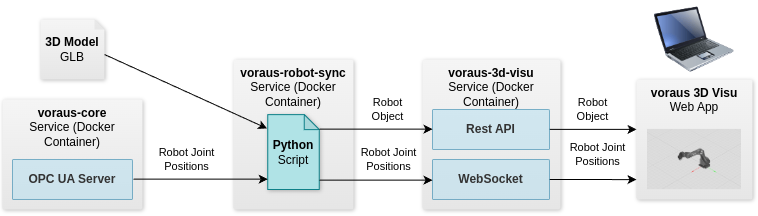
As shown in the figure below, three main services are started in this example: the voraus-core (robot), the voraus-3d-visu and the voraus-robot-sync service. From the voraus-core, the robot joint angles are read by the voraus-robot-sync service via OPC UA and sent to the voraus-3d-visu service to display the current robot pose.
Note
A valid voraus.core //virtual or equivalent license and Docker image is required for this example.
Open the Example in VSCode
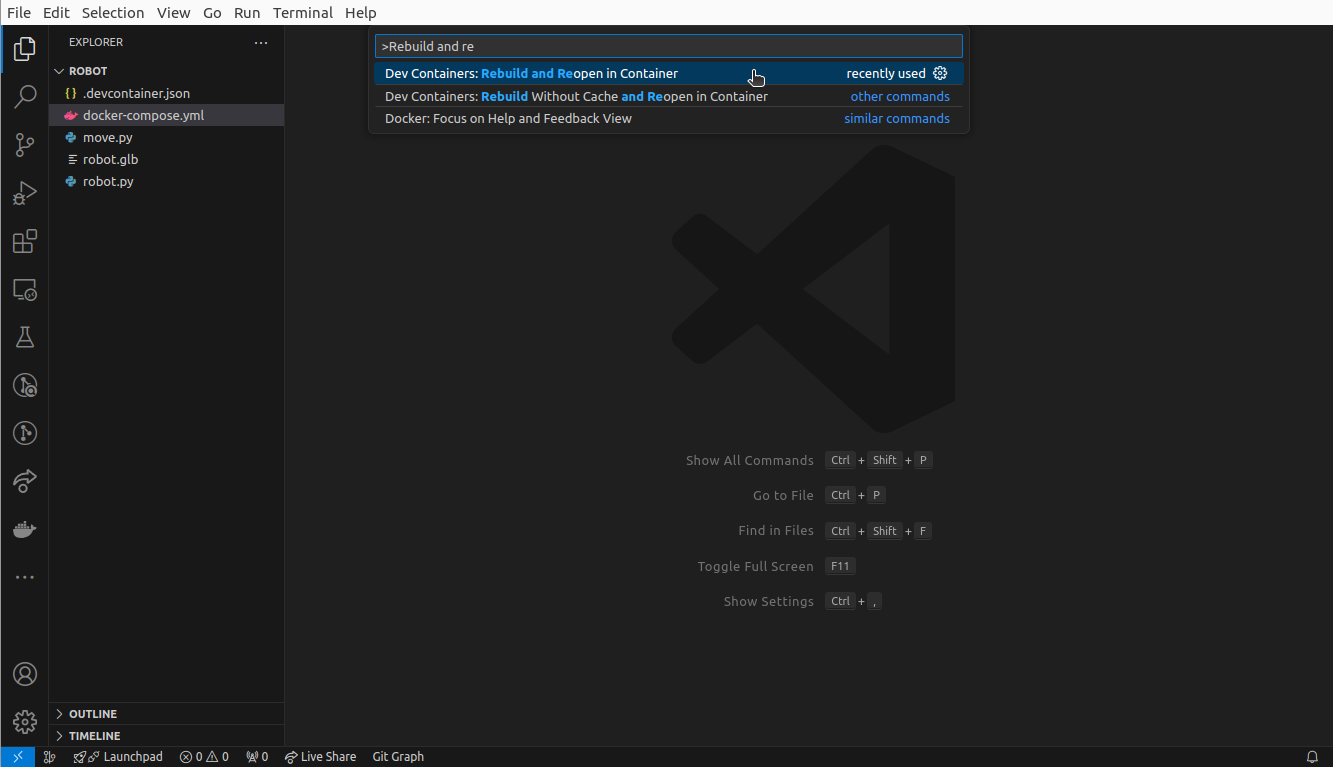
Open the folder /examples/robot/ in VSCode, press ctrl + shift + p
and select Dev Containers: Rebuild and Reopen in Container as shown in the figure below.
It takes a moment for the dev container to be started.
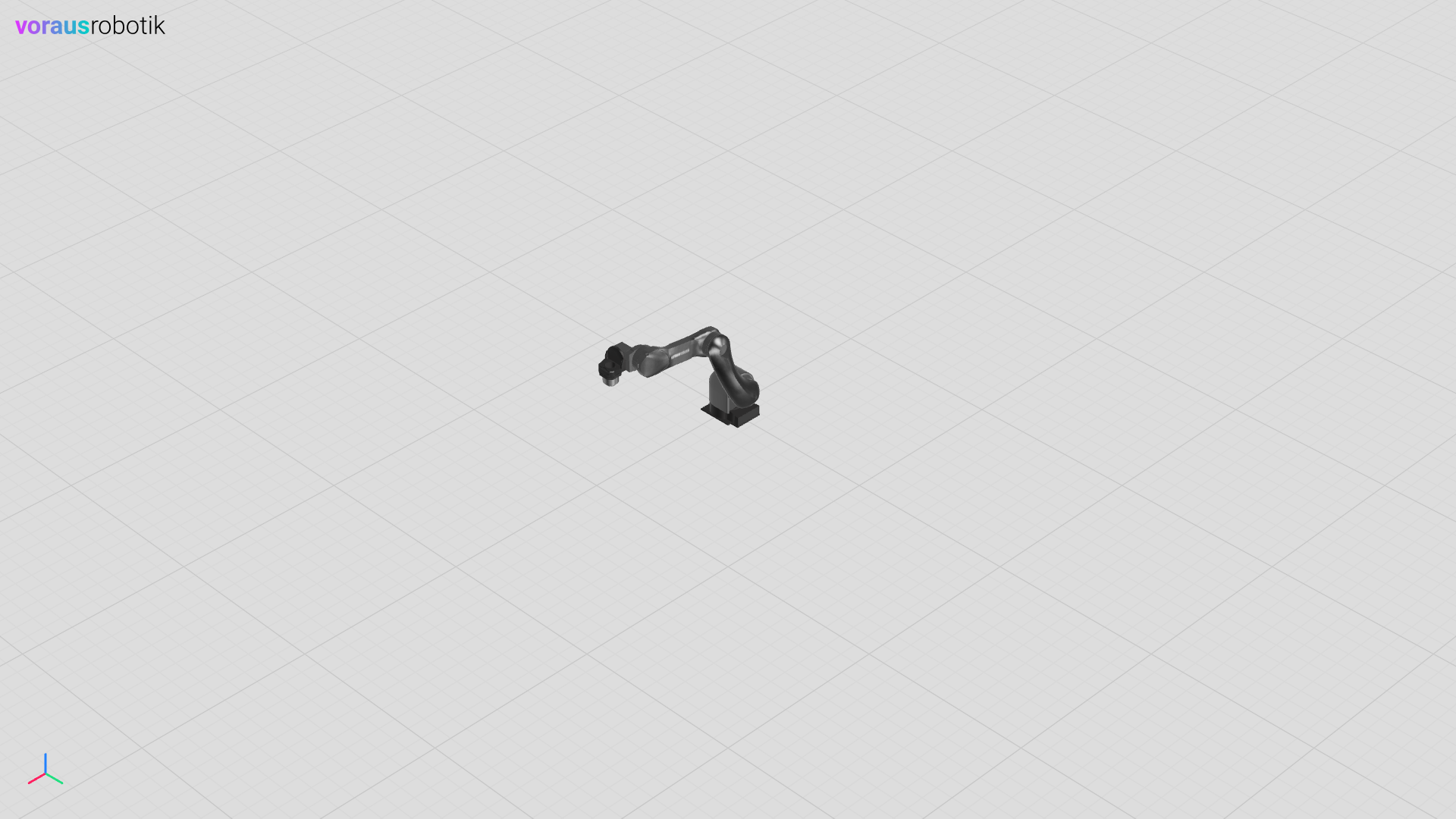
Open localhost:8077 in your web browser to display the 3D visualization as shown below. This is the initial robot position, the joint angles are currently not synchronized.
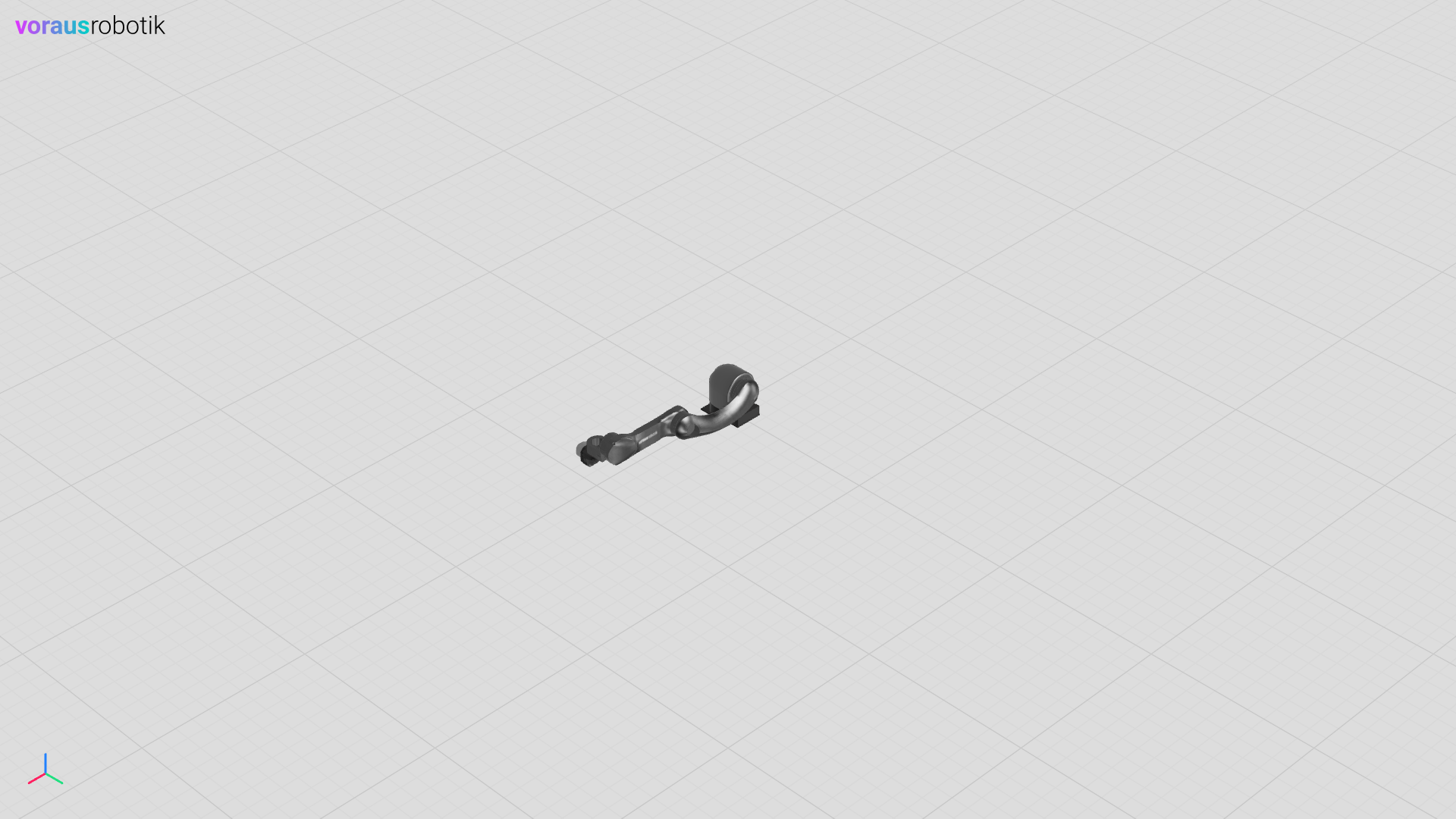
Fig. 21 The 3D visualization with the robot model in vertical position
Synchronize the Robot Pose
The Python file robot.py loads the 3D model of the robot into the 3D visualization.
It establishes a connection via HTTP to the 3D visualization and via OPC UA to the voraus.core.
The robot joint angles are cyclically queried from the voraus.core and updated in the 3D visualization.
This script runs in its own Docker container as described later.
The child names CS0 … CS5 are the names defined inside the GLB file.
 1"""Example for visualizing a robot."""
 2
 3import time
 4
 5from voraus_robot_arm import RobotArm
 6
 7from voraus_3d_visu import Visu
 8
 9model = "http://voraus-core/robots/VORAUS_INDUSTRIAL_ROBOT/VORAUS_INDUSTRIAL_ROBOT.glb"
10
11
12if __name__ == "__main__":
13    visu = Visu("http://voraus-3d-visu/", clear_all=True)
14    robot_arm = RobotArm()
15
16    with visu.connection(), robot_arm.connection("opc.tcp://voraus-core:48401/"):
17        robot = visu.add_model(model_url=model, position=[0, 0, 0])
18
19        while True:
20            joint_pose = robot_arm.get_joint_pose()
21
22            visu.update(
23                robot.child("CS0").rotation.z(joint_pose.j1),
24                robot.child("CS1").rotation.z(joint_pose.j2),
25                robot.child("CS2").rotation.z(joint_pose.j3),
26                robot.child("CS3").rotation.z(joint_pose.j4),
27                robot.child("CS4").rotation.z(joint_pose.j5),
28                robot.child("CS5").rotation.z(joint_pose.j6),
29            )
30
31            time.sleep(0.01)
Move the Robot
The Python file move.py connects to the voraus.core and defines the home position. It leads to a movement of the robot to the home pose immediately after connecting. It then waits until you press enter before it performs a linear movement in the positive x direction.
 1"""Example for moving a robot."""
 2
 3from voraus_robot_arm import JointPose, Relativity, RobotArm, x
 4
 5robot = RobotArm()
 6home = JointPose(0, -1.57, 1.57, -1.57, -1.57, 0)
 7
 8if __name__ == "__main__":
 9    with robot.connection("opc.tcp://voraus-core:48401/"):
10        robot.move_ptp(home)
11
12        input("Press enter to move the robot.")
13        robot.move_linear(x(0.2), relativity=Relativity.RELATIVE)
Open a terminal in VSCode and start the move.py Python script with the following command.
python move.py
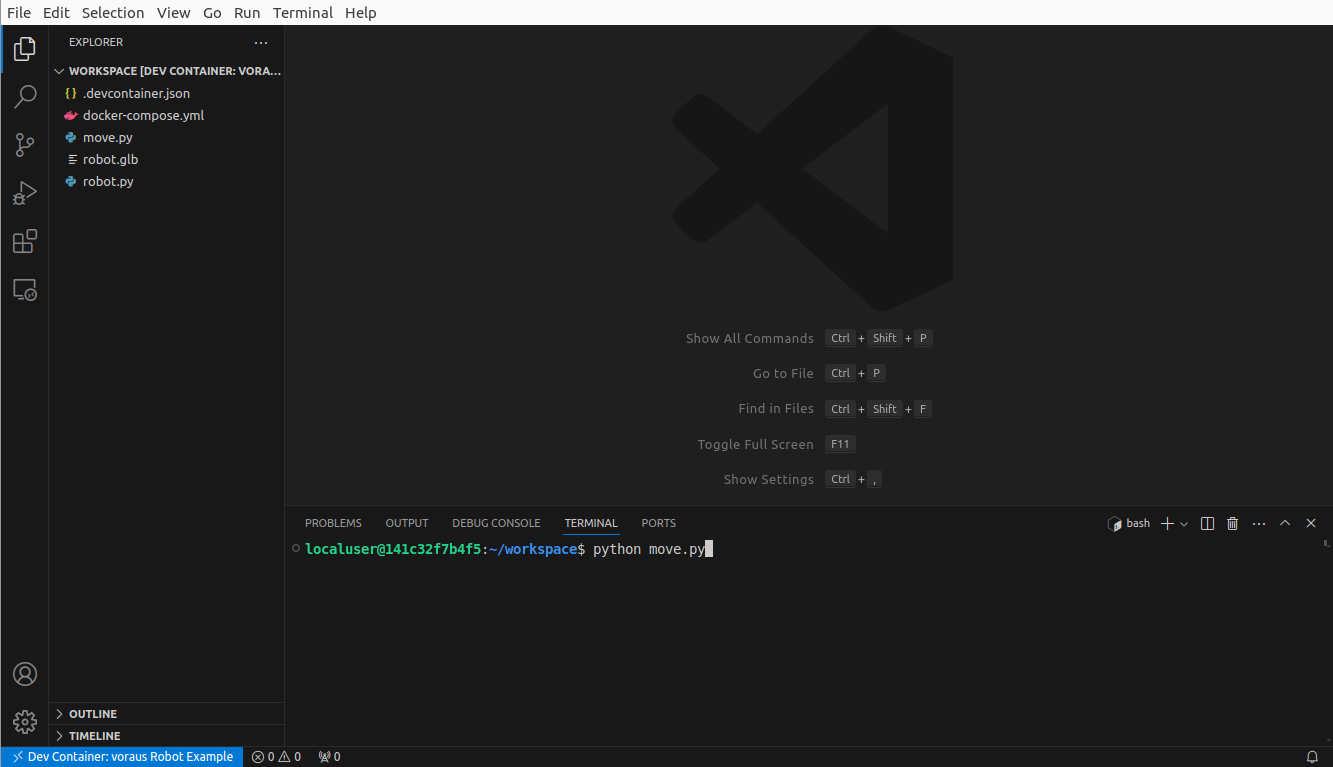
Fig. 22 Running the robot example move Python script inside the dev container
The robot will move to the home pose immediately as shown in the image below.
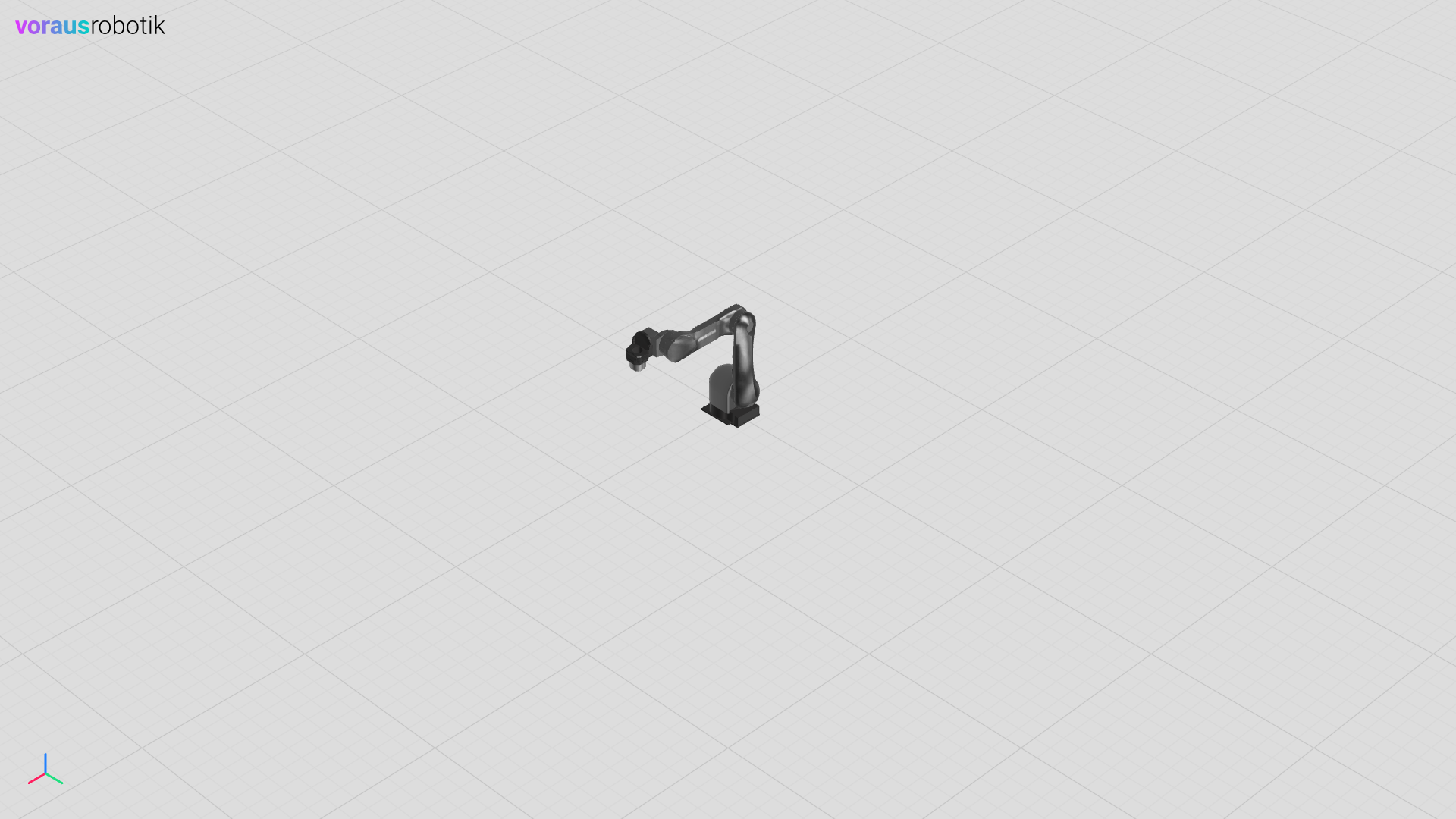
Fig. 23 The 3D visualization with the robot model in home position
Press the <enter> key to start a linear movement in positive x direction.
Fig. 24 The 3D visualization with the robot moved in positive x direction
The Docker compose File
Five services (Docker containers) are defined in the docker-compose.yml file. The codemeter service is required for licensing the software. The voraus-core service starts a virtual robot backend. The voraus-3d-visu service the web-based 3D visualization backend. The voraus-robot-sync starts the Python script for robot pose synchronization in its own Docker container. The devcontainer service is intended for development with VSCode. The complete docker compose file is shown below.
docker-compose.yml
 1services:
 2  codemeter:
 3    hostname: codemeter
 4    image: artifactory.vorausrobotik.com/docker/voraus-codemeter:1.0.0
 5    environment:
 6      LICENSE_SERVER: host.docker.internal
 7    extra_hosts:
 8      - host.docker.internal:host-gateway
 9
10  voraus-core:
11    image: artifactory.vorausrobotik.com/docker/voraus-core:2.12.1
12    hostname: voraus-core
13    ports:
14      - 8080:80
15      - 48401:48401
16    environment:
17      CODEMETER_HOST: codemeter
18    depends_on:
19      - codemeter
20    healthcheck:
21      test:
22        [
23          "CMD",
24          "python",
25          "-c",
26          "exec('''from asyncua.sync import Client\\nwith Client('opc.tcp://localhost:48401/'): ...''')",
27        ]
28      interval: 10s
29      timeout: 5s
30      retries: 10
31      start_period: 5s
32
33  voraus-3d-visu:
34    image: artifactory.vorausrobotik.com/docker/voraus-3d-visu:0.15.1
35    hostname: voraus-3d-visu
36    ports:
37      - 8077:80
38    environment:
39      CODEMETER_HOST: codemeter
40      V3DVISU_ALLOWED_HOSTS: '["voraus-core"]'
41    depends_on:
42      - codemeter
43
44  voraus-robot-sync:
45    image: artifactory.vorausrobotik.com/docker/voraus-3d-visu:0.15.1
46    environment:
47      CODEMETER_HOST: codemeter
48    volumes:
49      - ./:/examples/
50    working_dir: /examples/
51    command: ["python", "robot.py"]
52    depends_on:
53      voraus-3d-visu:
54        condition: service_started
55      voraus-core:
56        condition: service_healthy
57
58  devcontainer:
59    image: artifactory.vorausrobotik.com/docker/voraus-3d-visu:0.15.1
60    volumes:
61      - .:/home/localuser/workspace:cached
62    command: /bin/sh -c "while sleep 1000; do :; done"
63    environment:
64      CODEMETER_HOST: codemeter
65    depends_on:
66      - codemeter