Control Robot
The example pick_and_place/control_robot shows how the voraus 3D Visu can be used together with the voraus.core
by loading a robot model into the visualization and synchronising it with the voraus.core via OPC UA.
The voraus Robot Arm package is then used to control the robot.
Used components are:
Setup VS Code according to the steps described in the Download and work locally or Work in the Cloud section and make sure to have the 3D visualization visible in VS Code or in a separate web browser tab.
By executing robot_visualization.py, the robot GLB (3D model of the robot) is loaded from the voraus.core into
the scene and synchronized with the voraus.core using an OPC UA client. GLB stands for Graphics Library Transmission
Format Binary File.
python3.11 control_robot/robot_visualization.py
robot_visualization.py:
 1"""Syncs the robot position with the voraus.core."""
 2
 3import os
 4import time
 5
 6from asyncua.sync import Client
 7from voraus_3d_visu import Visu
 8
 9VORAUS_CORE_URL = os.getenv("VORAUS_CORE_URL", default="http://voraus-core")
10ROBOT_MODEL_URL = f"{VORAUS_CORE_URL}/robots/VORAUS_INDUSTRIAL_ROBOT/VORAUS_INDUSTRIAL_ROBOT.glb"
11
12
13if __name__ == "__main__":
14    visu = Visu("http://voraus-3d-visu/")
15    client = Client("opc.tcp://voraus-core:48401/")
16
17    with visu.connection(), client:
18        robot = visu.add_model(model_url=ROBOT_MODEL_URL, position=[0, 0, 0])
19        joint_positions_node = client.get_node("ns=1;i=100111")
20
21        while True:
22            (joint_positions,) = client.read_values([joint_positions_node])
23
24            visu.update(
25                robot.child("CS0").rotation.z(joint_positions[0]),
26                robot.child("CS1").rotation.z(joint_positions[1]),
27                robot.child("CS2").rotation.z(joint_positions[2]),
28                robot.child("CS3").rotation.z(joint_positions[3]),
29                robot.child("CS4").rotation.z(joint_positions[4]),
30                robot.child("CS5").rotation.z(joint_positions[5]),
31            )
32
33            time.sleep(0.01)
The script program.py uses the voraus Robot Arm package to move the robot to predefined poses.
python3.11 control_robot/program.py
program.py:
 1"""Moves the robot."""
 2
 3from math import radians
 4
 5from voraus_robot_arm import CartesianPose, JointPose, VorausIndustrialRobotArm
 6
 7HOME = JointPose(0, -1.57, 1.57, -1.57, -1.57, 0)
 8POSE1 = CartesianPose(0.5, 0, 0.2, -radians(180), 0, radians(35))
 9
10if __name__ == "__main__":
11    robot = VorausIndustrialRobotArm()
12    with robot.connect("voraus-core", port=48401):
13        robot.activate()
14
15        robot.move_ptp(HOME)
16        robot.move_ptp_relative(JointPose(j1=-1.57, j2=-0.3)).result()
17
18        input("Press <enter> to move the robot again.")
19        robot.move_linear(POSE1).result()
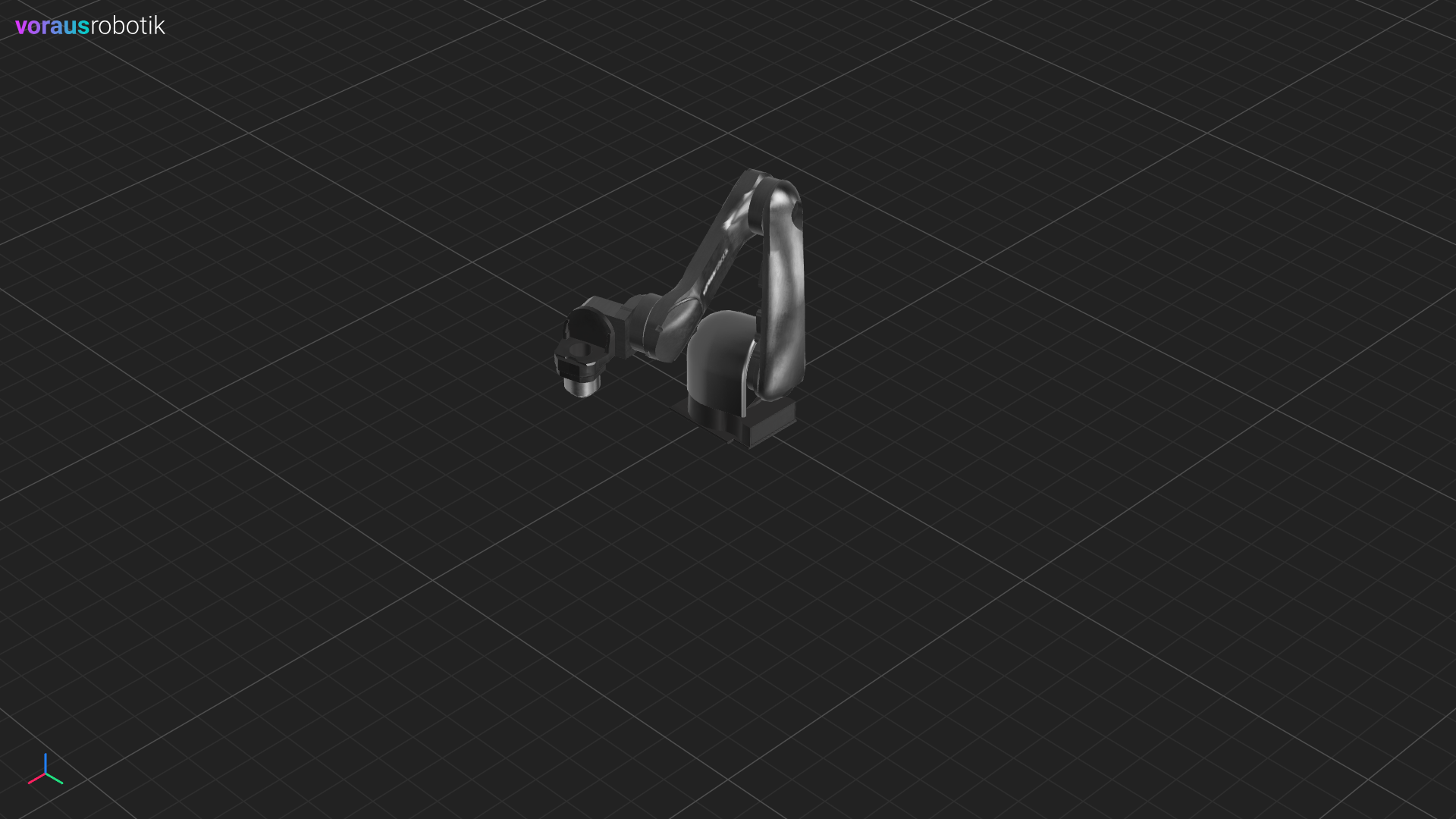
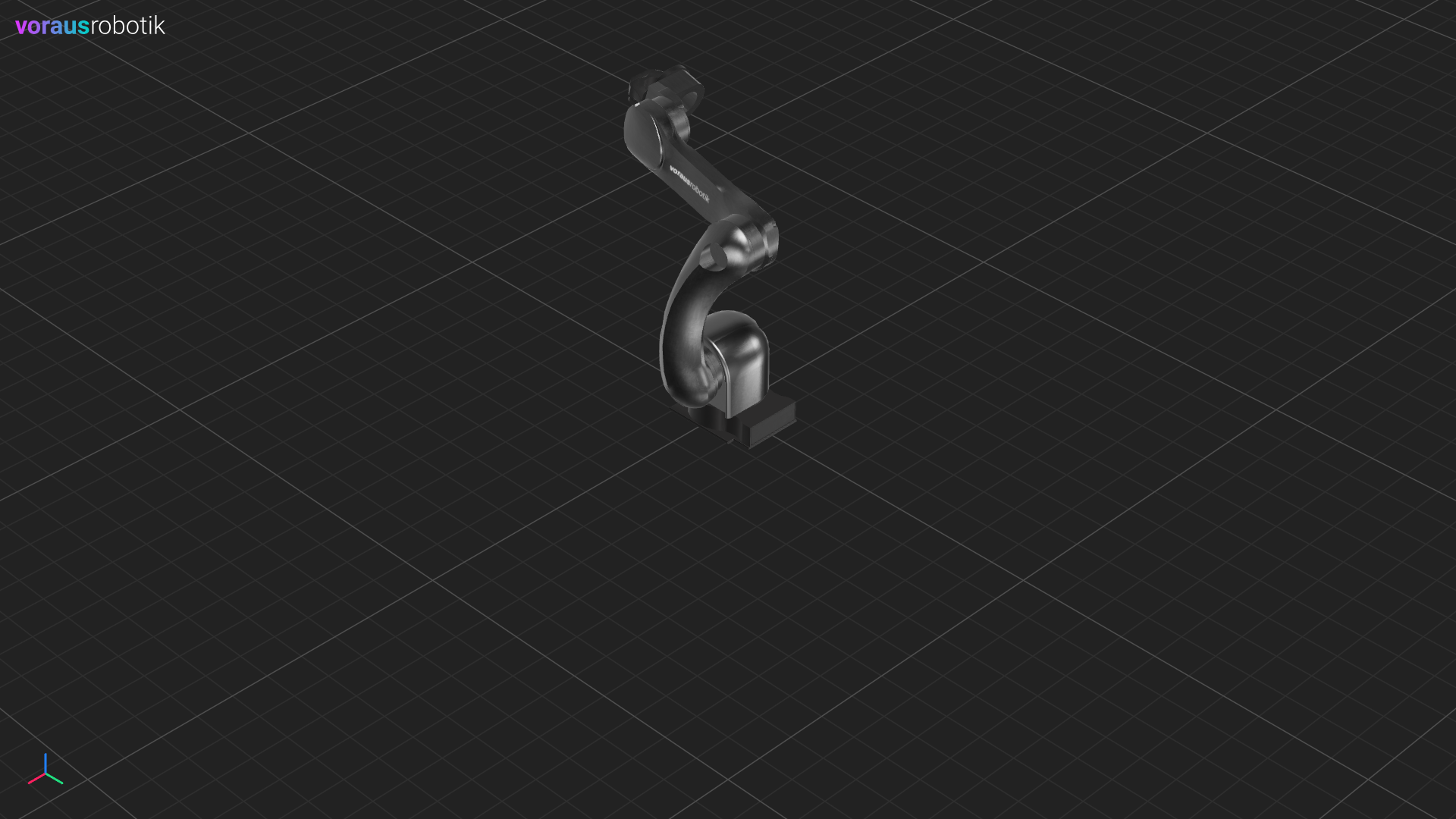
After the robot has reached the first pose, it pauses as shown in Fig. 24 until you press the enter key. After you have pressed the enter key, the robot moves to the second pose as shown in Fig. 25.