
Box Model
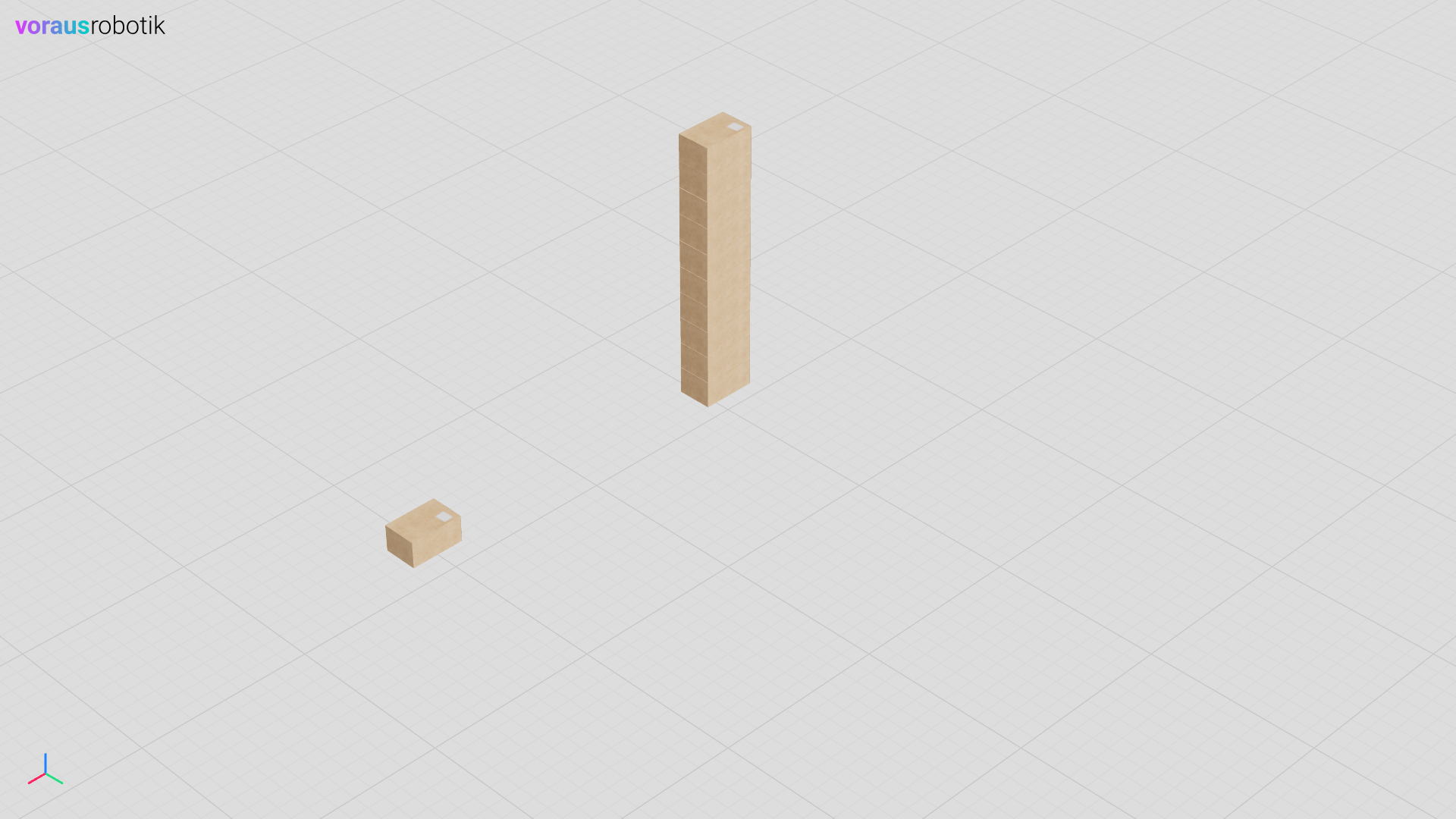
In this example, you will define a box simulation model and a simulation with several boxes, see Fig. 5.
Run the Simulation
Open a terminal in VS Code and start the box.py Python script with the following command. See also
Fig. 6 for reference.
python models/box/box.py
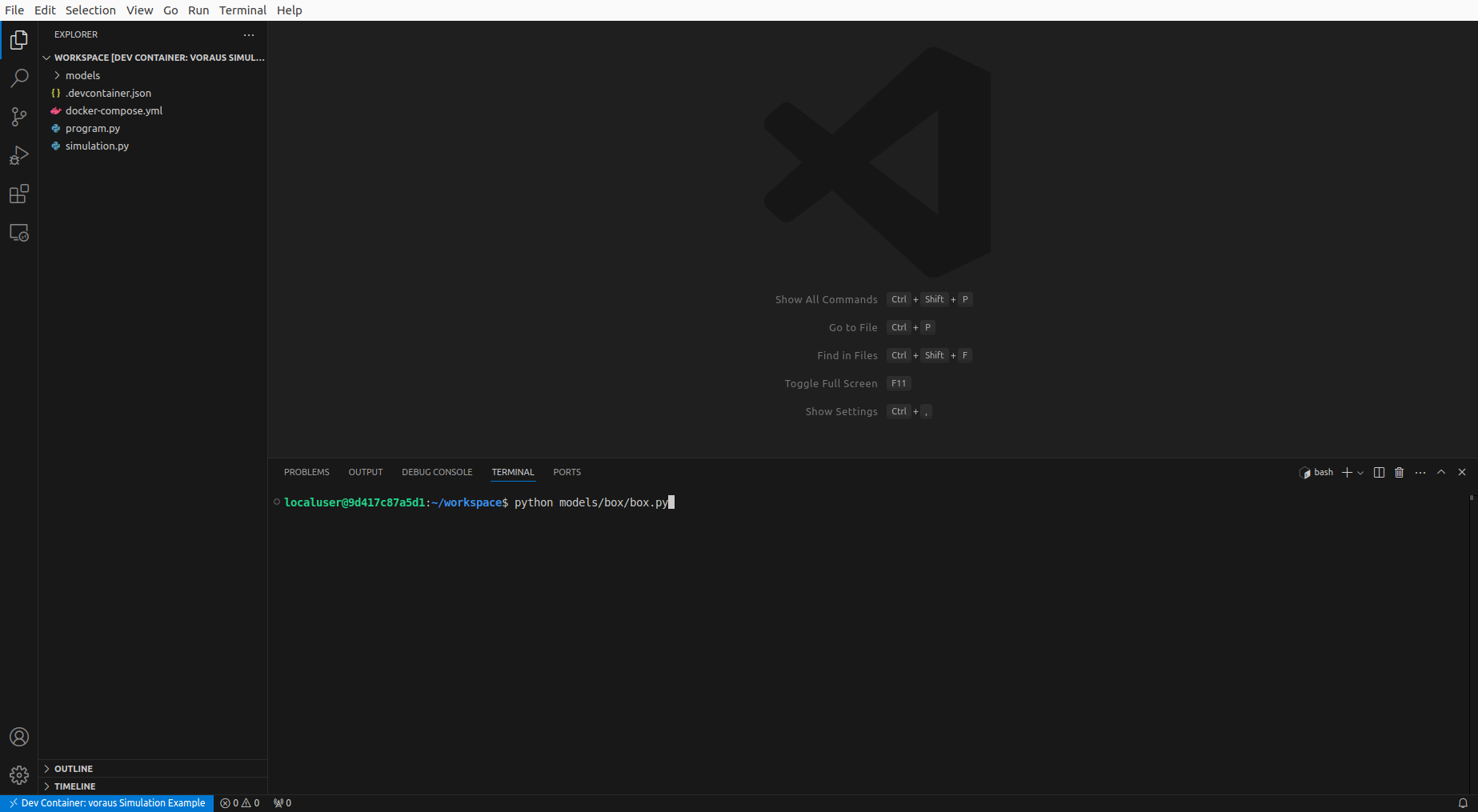
Fig. 6 Running the box example Python script inside dev container
Open localhost:8077 in your web browser to display the simulation as shown in Fig. 5. After the boxes have been loaded, the Python script waits until you press the Enter key. After you have pressed the enter key, a force is applied to the single box. The single box starts to move and hits the stack of boxes as shown in Fig. 7.
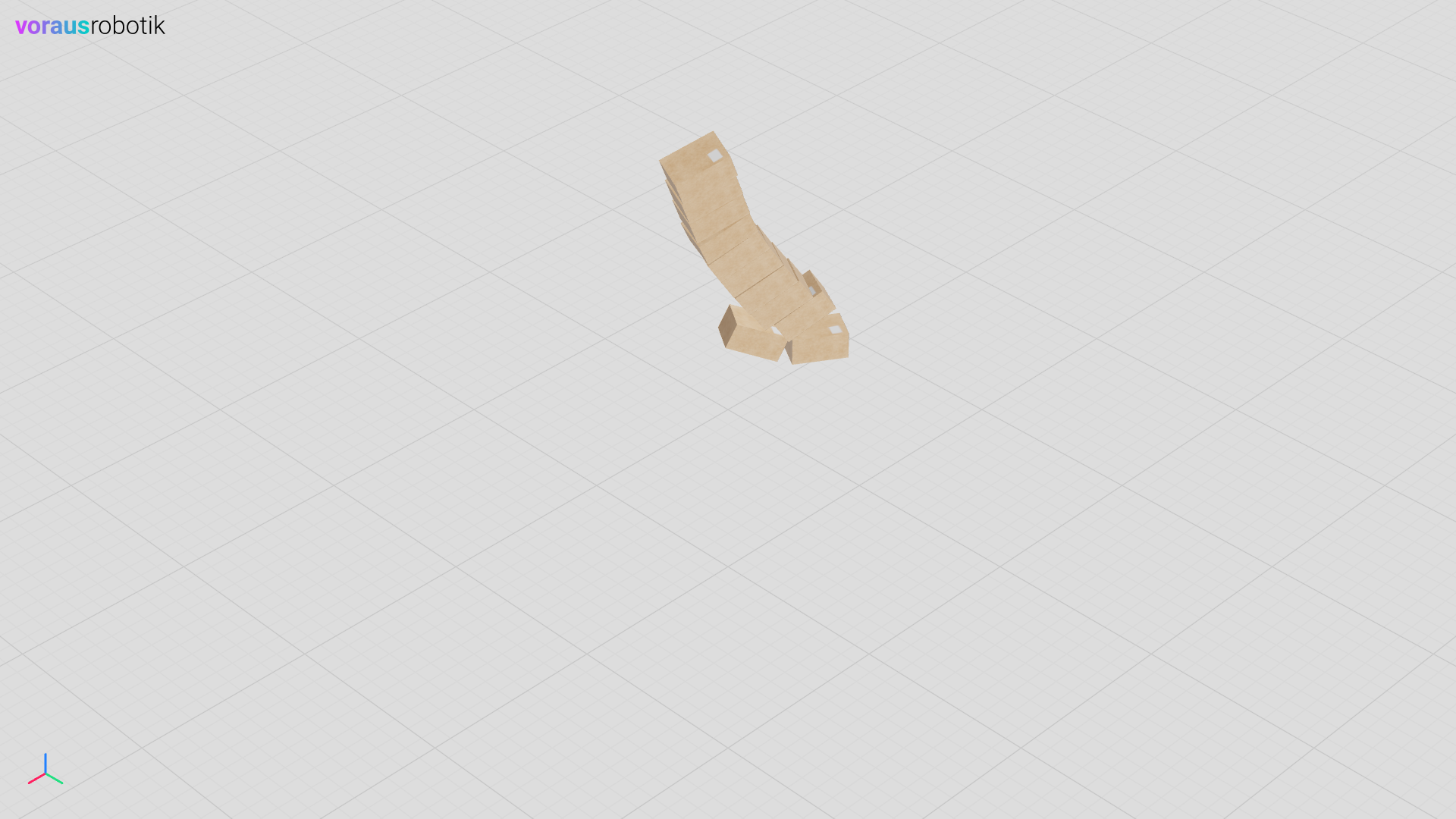
Fig. 7 The box hits the stack of boxes in the voraus Simulation
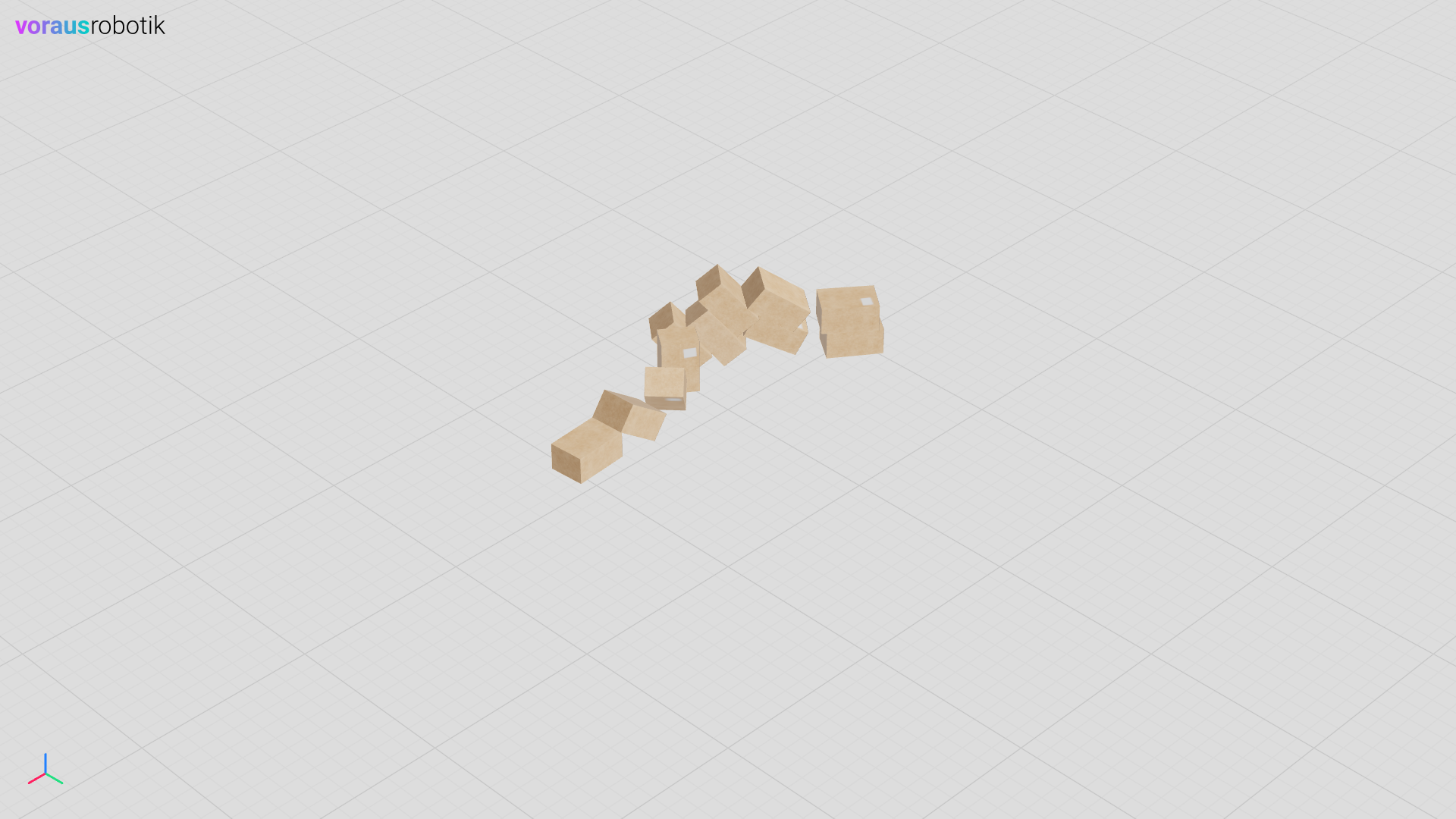
After the single box hits the stack of boxes, the simulation pauses and waits until you have pressed the Enter key again. Press the Enter key to run the simulation until the end. The stack of boxes falls to the ground as shown in figure Fig. 8.
The Box Python File
The Python file models/box/box.py defines the box simulation model.
 1"""Contains a box simulation model."""
 2
 3from pathlib import Path
 4
 5from voraus_3d_visu import Visu
 6
 7from voraus_simulation import DynamicObject
 8
 9models = Path(__file__).parent
10
11
12class Box(DynamicObject):
13    """Defines a box simulation model."""
14
15    def __init__(self, position: list[float] | None = None, rotation: list[float] | None = None) -> None:
16        """Initializes a box simulation model.
17
18        Args:
19            position: The initial position of the box. Defaults to None.
20            rotation:  The initial rotation of the box. Defaults to None.
21        """
22        glb_path = models / "box.glb"
23        urdf_path = models / "box.urdf"
24        super().__init__(glb_path, urdf_path, position, rotation)
25
26
27if __name__ == "__main__":
28    from voraus_simulation import Simulation, StaticObject
29
30    simulation = Simulation(frequency=50, visualization=Visu("http://voraus-3d-visu/"))
31
32    with simulation.run():
33        StaticObject(glb_file=None, urdf_path=Path("plane_transparent.urdf"))
34
35        for i in range(10):
36            Box([-0.1, -0.2, 0.43 + i * 0.20])
37        box = Box([2.0, -0.25, 0.43])
38
39        frame = 0
40        while True:
41            if frame == 100:
42                input("Press <enter> to apply force.")
43            elif 100 <= frame < 125:
44                box.apply_external_force([-80, 0, 0])
45            elif frame == 125:
46                input("Press <enter> to continue.")
47            elif frame > 300:
48                break
49
50            simulation.step()
51            simulation.sleep()
52            frame += 1
The Box URDF File
The URDF file models/box/box.urdf defines the box simulation parameters.
 1<?xml version="1.0" ?>
 2<robot name="box">
 3  <link name="baseLink">
 4    <contact>
 5      <lateral_friction value="1.0"/>
 6      <rolling_friction value="0.0"/>
 7      <contact_cfm value="0.0"/>
 8      <contact_erp value="1.0"/>
 9    </contact>
10    <inertial>
11      <origin rpy="0 0 0" xyz="0 0 0"/>
12       <mass value="1"/>
13       <inertia ixx="1" ixy="0" ixz="0" iyy="1" iyz="0" izz="1"/>
14    </inertial>
15    <visual>
16      <origin rpy="0 0 0" xyz="0 0 0"/>
17      <geometry>
18		    <mesh filename="box.obj" scale="1 1 1"/>
19      </geometry>
20      <material name="white">
21        <color rgba="1 1 1 1"/>
22      </material>
23    </visual>
24    <collision>
25      <origin rpy="0 0 0" xyz="0 0 0"/>
26      <geometry>
27	      <mesh filename="box.obj" scale="1 1 1"/>
28      </geometry>
29    </collision>
30  </link>
31</robot>