
Program
The program controls the voraus.core and can be used in exactly the same way for a real system after successful simulation.
Run the Simulation
Open a terminal in VS Code and start the program.py Python script with the following command:
python program.py
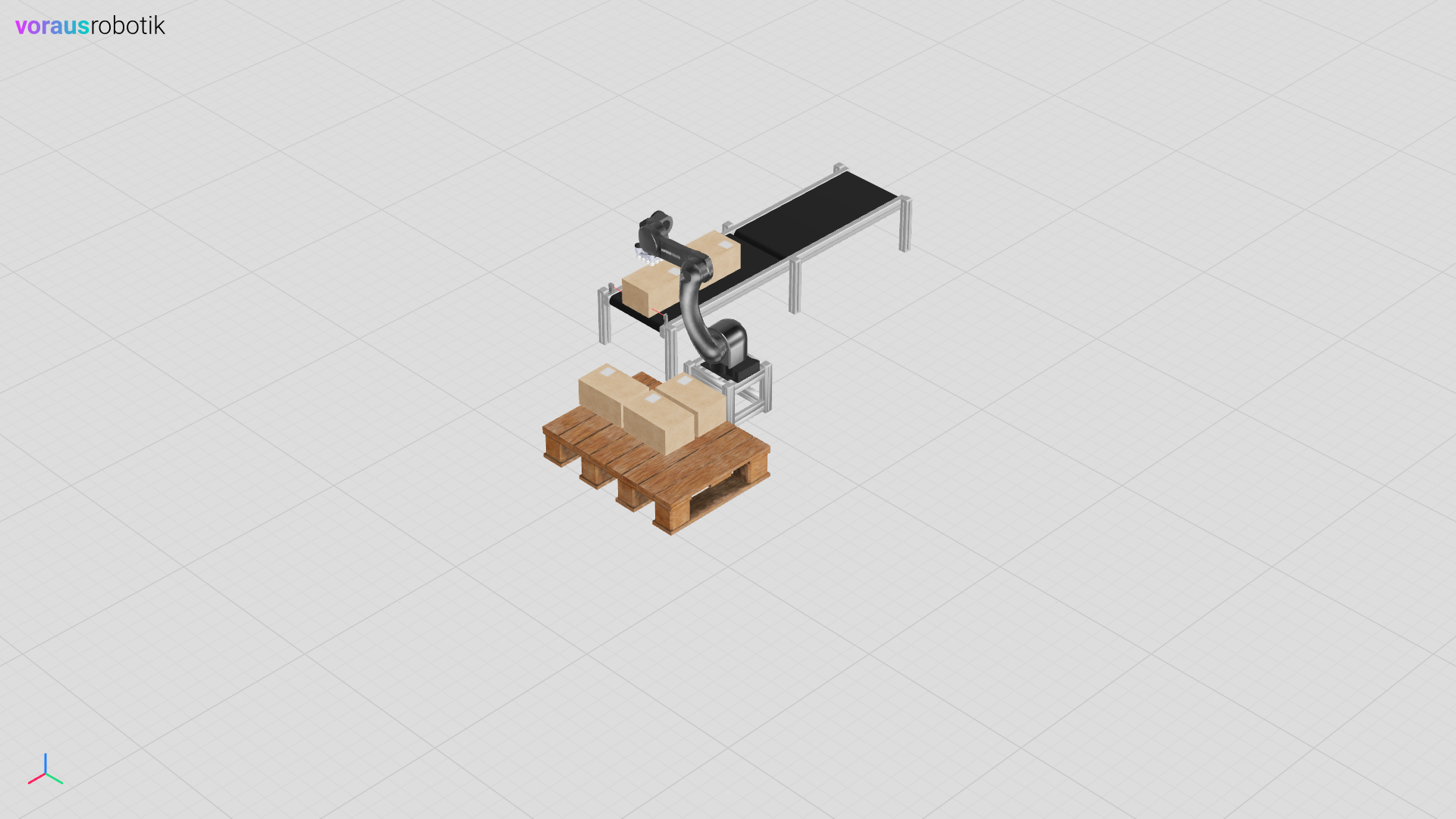
Open localhost:8077 in your web browser to display the simulation. Enter c in the terminal and press Enter. The robot starts with the pick and place application. As soon as it has removed a box from the conveyor belt, the conveyor belt moves until another box interrupts the light barrier. After the robot has palletized three boxes, the program is paused by a breakpoint before the next box is picked as shown in Fig. 26. After you have entered c and pressed the Enter key, the robot picks the fourth box and moves over the place pose as shown in Fig. 27.
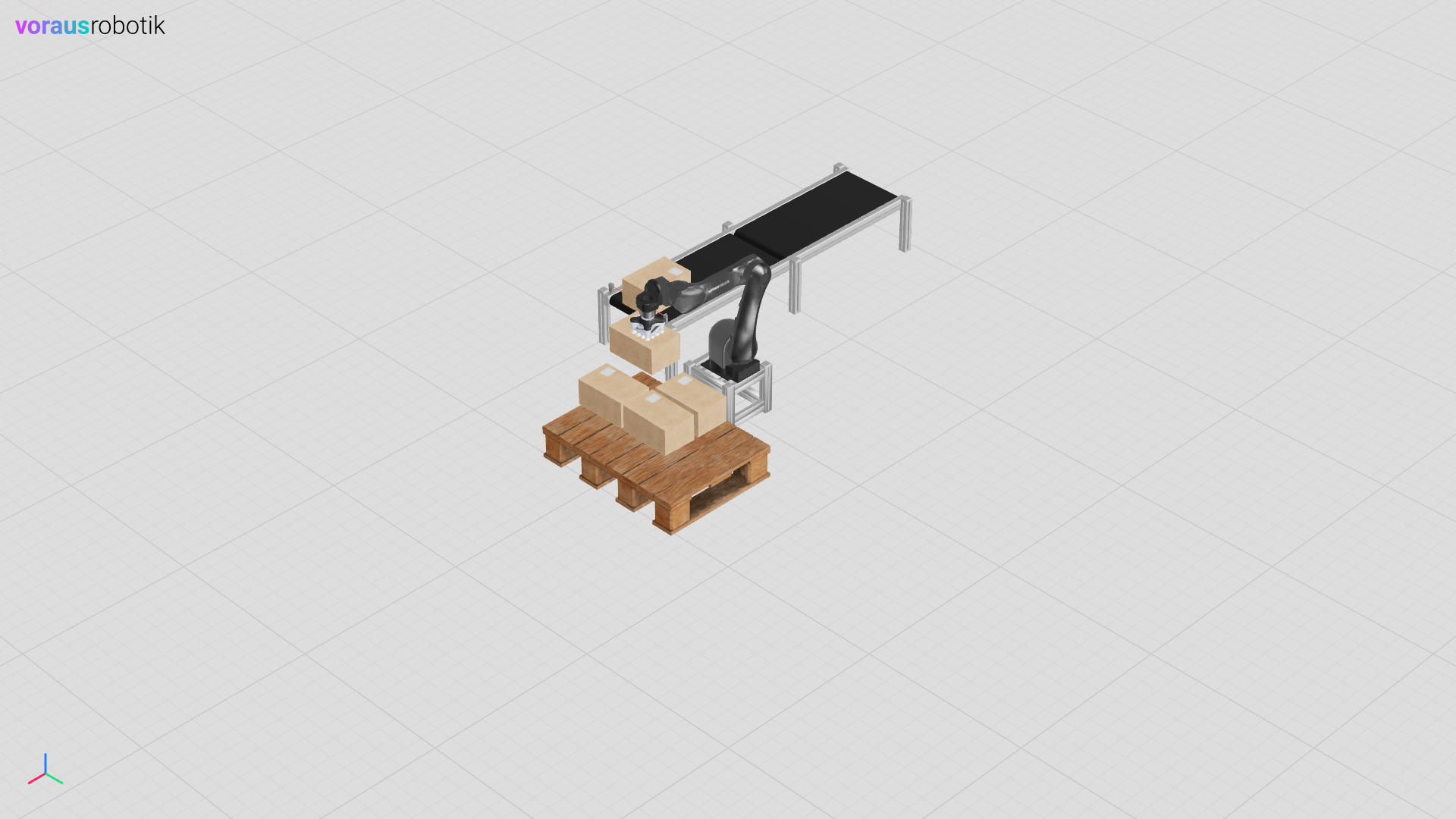
Fig. 27 The robot with the fourth box over the place position
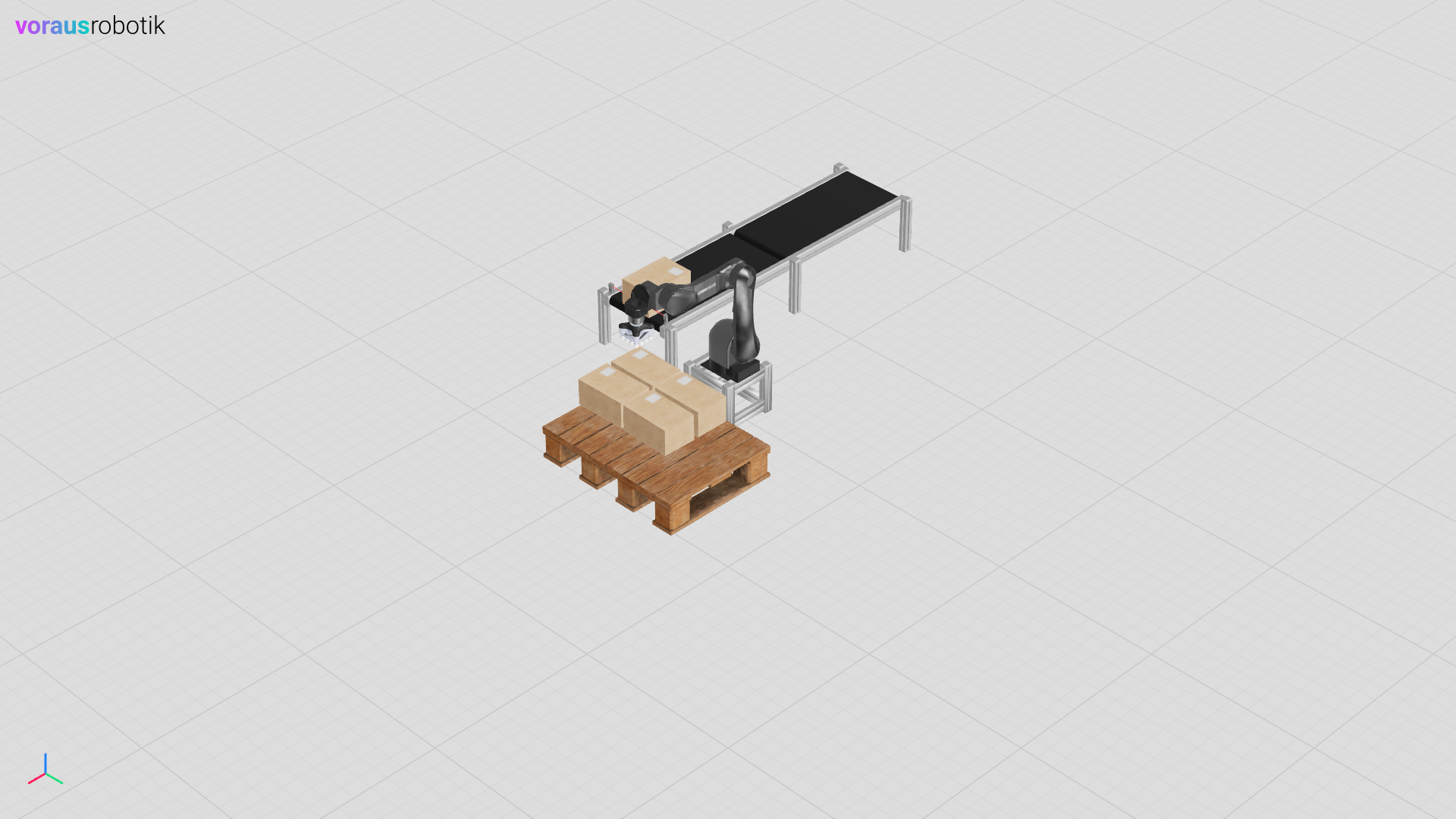
The simulation pauses and waits until you continue to the next breakpoint by entering c and pressing the Enter key. After pressing the Enter key, the robot places the box on the pallet and moves to the home pose as shown in Fig. 28.
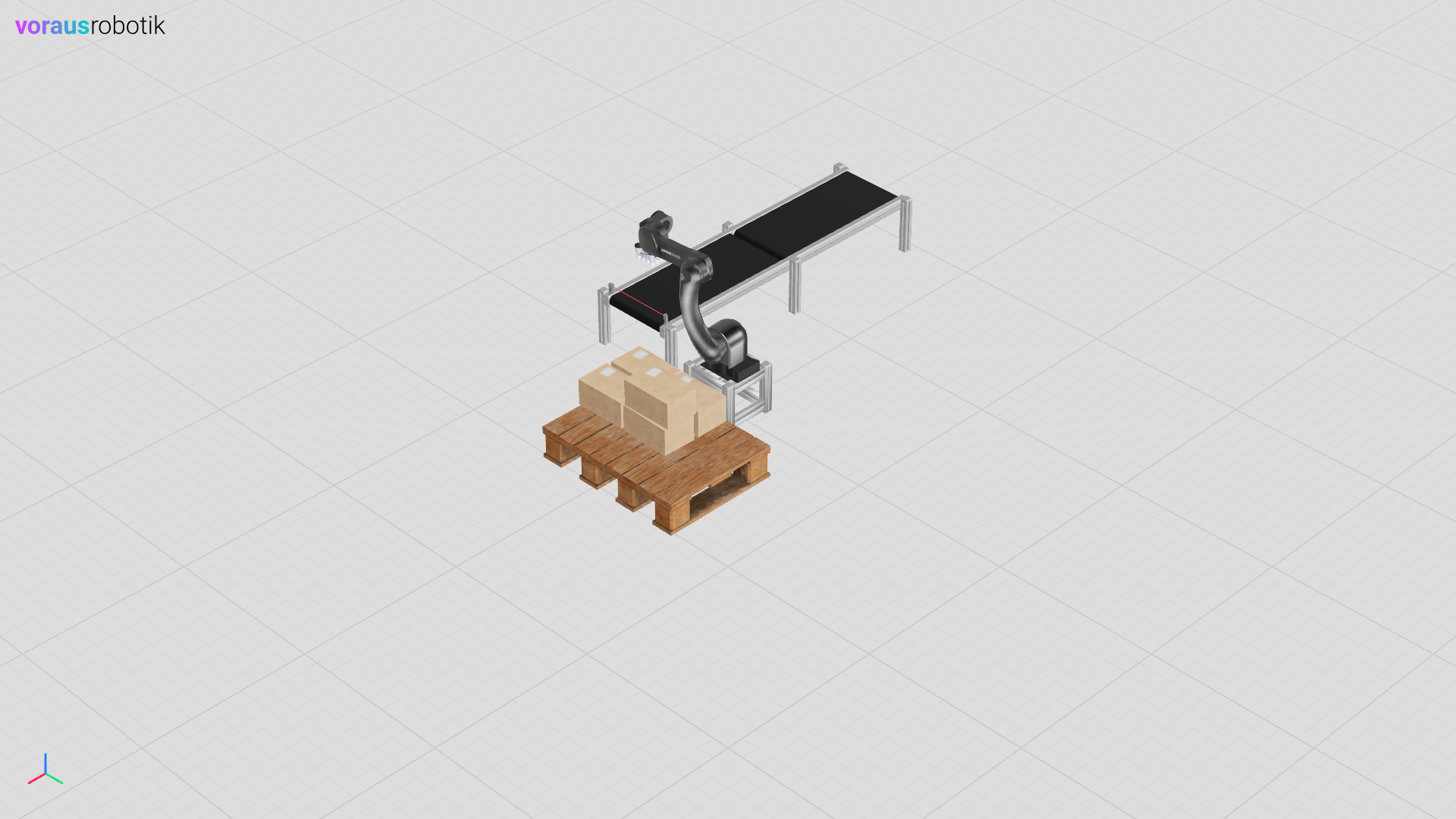
The simulation pauses and waits until you continue to the next breakpoint by entering c and pressing the Enter key. After pressing the Enter key, the robot palletizes the last box and moves to the initial pose over the conveyor belt as shown in Fig. 29.
The Program Python File
The Python script creates a grid for palletizing the boxes. The poses for the application are then defined. After establishing the connection, the speed and the tool offset are configured. The function for the conveyor belt control is executed in a separate thread. The pick and place application is then executed in a while loop.
  1# pylint: disable=forgotten-debug-statement, protected-access
  2"""Contains the program which controls the system."""
  3
  4import time
  5from math import radians
  6from threading import Thread
  7
  8import numpy
  9from asyncua import ua
 10from asyncua.sync import Client as UAClient
 11from voraus_robot_arm import CartesianPose, JointPose, Percent, VorausIndustrialRobotArm, z
 12
 13box_size = numpy.array([0.215, 0.331, 0.165])
 14box_size = box_size + 0.02
 15
 16grid = []
 17start = CartesianPose(0.4, -0.21, 0.07, radians(180), 0, radians(90))
 18
 19for grid_z in range(2):
 20    for grid_y in reversed(range(2)):
 21        for grid_x in reversed(range(2)):
 22            pose = start + CartesianPose(grid_x * box_size[0], grid_y * box_size[1], grid_z * box_size[2])
 23            grid.append(pose)
 24
 25robot = VorausIndustrialRobotArm()
 26home = JointPose(0, -1.57, 1.57, -1.57, -1.57, 0)
 27pre_place = CartesianPose(0.750, 0.112, 0.050, 3.14, 0, radians(66))
 28pre_pick = CartesianPose(-0.098, -0.705, 0.340, -radians(180), 0, -radians(180))
 29pick = CartesianPose(-0.098, -0.705, 0.21, -radians(180), 0, -radians(180))
 30
 31ua_client = UAClient("opc.tcp://voraus-core:48401/")
 32
 33
 34def conveyor_control() -> None:
 35    """The conveyor control loop."""
 36    with ua_client:
 37        control_node = ua_client.get_node("ns=1;i=100240")
 38        set_do_node = ua_client.get_node("ns=1;i=100204")
 39        read_do_node = ua_client.get_node("ns=1;i=202202")
 40
 41        def _set_digital_out(index: int, value: bool) -> None:
 42            """Sets a digital output of the robot.
 43
 44            Args:
 45                index: The digital output index starting at zero.
 46                value: The state of the digital output.
 47            """
 48            control_node.call_method(
 49                set_do_node.nodeid,
 50                ua.Variant(index + 1, ua.VariantType.UInt32),
 51                ua.Variant(value, ua.VariantType.Boolean),
 52            )
 53
 54        while True:
 55            print("Turn off conveyor")
 56            _set_digital_out(1, False)
 57            while read_do_node.read_value()[2]:
 58                time.sleep(0.01)
 59
 60            time.sleep(2)
 61            print("Turn on conveyor")
 62            _set_digital_out(1, True)
 63            while not read_do_node.read_value()[2]:
 64                time.sleep(0.01)
 65
 66
 67with robot.connect("voraus-core", 48401):
 68    robot.enable()
 69    robot.set_time_override(Percent(100))
 70    robot._driver._objects.robot.commands.tool.set_tool_transformation_offset((0, 0, 0.103, 0, 0, 0))
 71    light_barrier_do = robot.get_digital_output_v(3)
 72    gripper_do = robot.get_digital_output_v(1)
 73
 74    thread = Thread(daemon=True, target=conveyor_control)
 75    thread.start()
 76
 77    count = 0
 78    breakpoint()
 79
 80    while True:
 81        robot.move_ptp(home).result()
 82        robot.move_ptp(pre_pick).result()
 83        while not light_barrier_do.is_set():
 84            time.sleep(0.1)
 85
 86        if count == 3:
 87            breakpoint()
 88
 89        robot.move_linear(pick).result()
 90        gripper_do.set()
 91        robot.move_linear(pre_pick).result()
 92
 93        place = grid[count]
 94        print(place)
 95
 96        robot.move_ptp(place + z(0.05 + box_size[2])).result()
 97        if count == 3:
 98            breakpoint()
 99
100        robot.move_linear(place).result()
101        gripper_do.clear()
102
103        robot.move_ptp(home).result()
104        if count == 3:
105            breakpoint()
106
107        count += 1