
TCP Model
In this example, you will define a tool center point (TCP) simulation model and a simulation where the robot pose is synchronized in order to allow for grasping of a box, see Fig. 19.
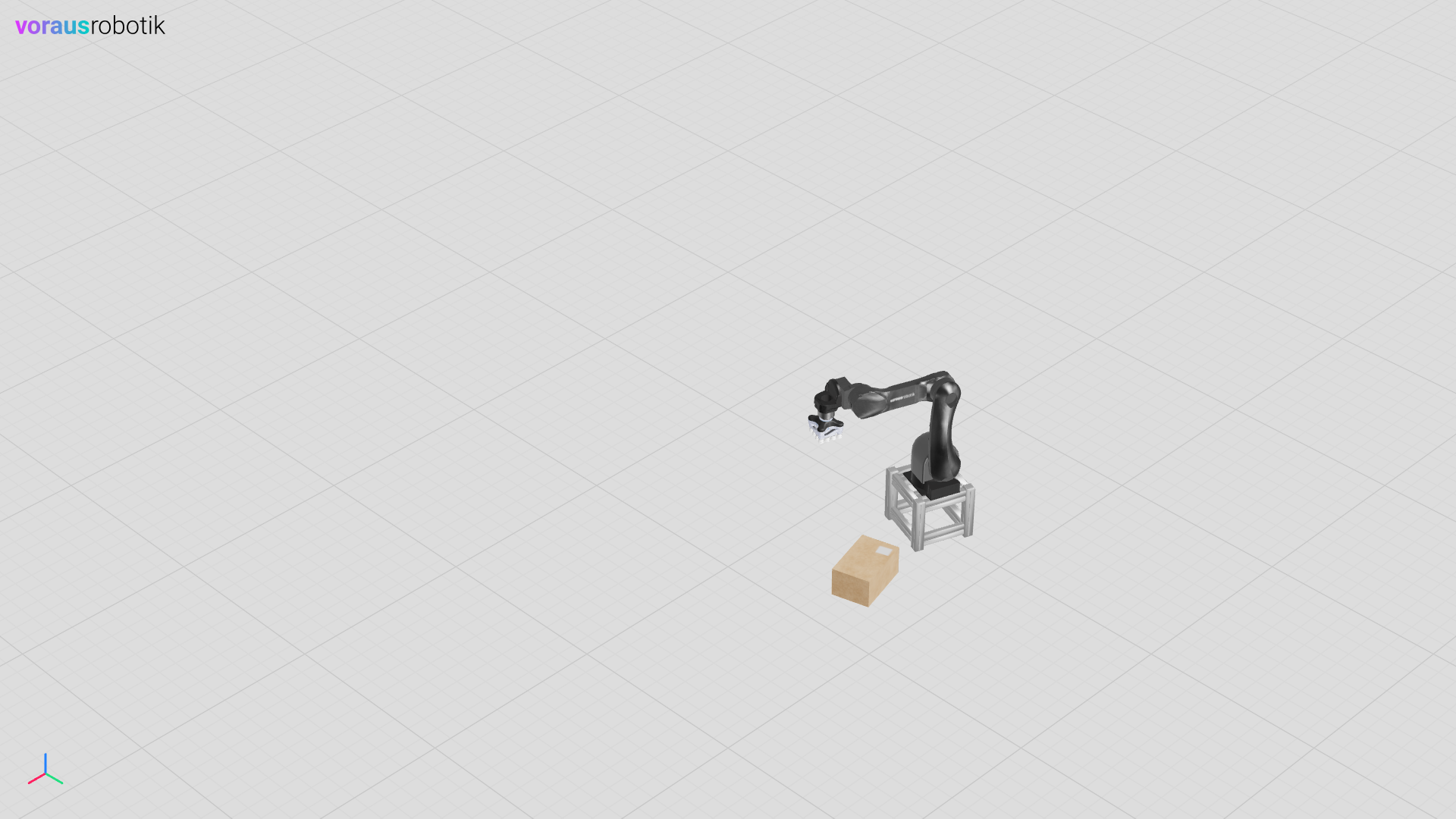
Fig. 19 The robot with the TCP synchronization in the home pose
Run the Simulation
Open a terminal in VS Code and start the tcp.py Python script with the following command:
python models/tcp/tcp.py
Start the program.py Python script which moves the robot with the following command:
python models/tcp/program.py
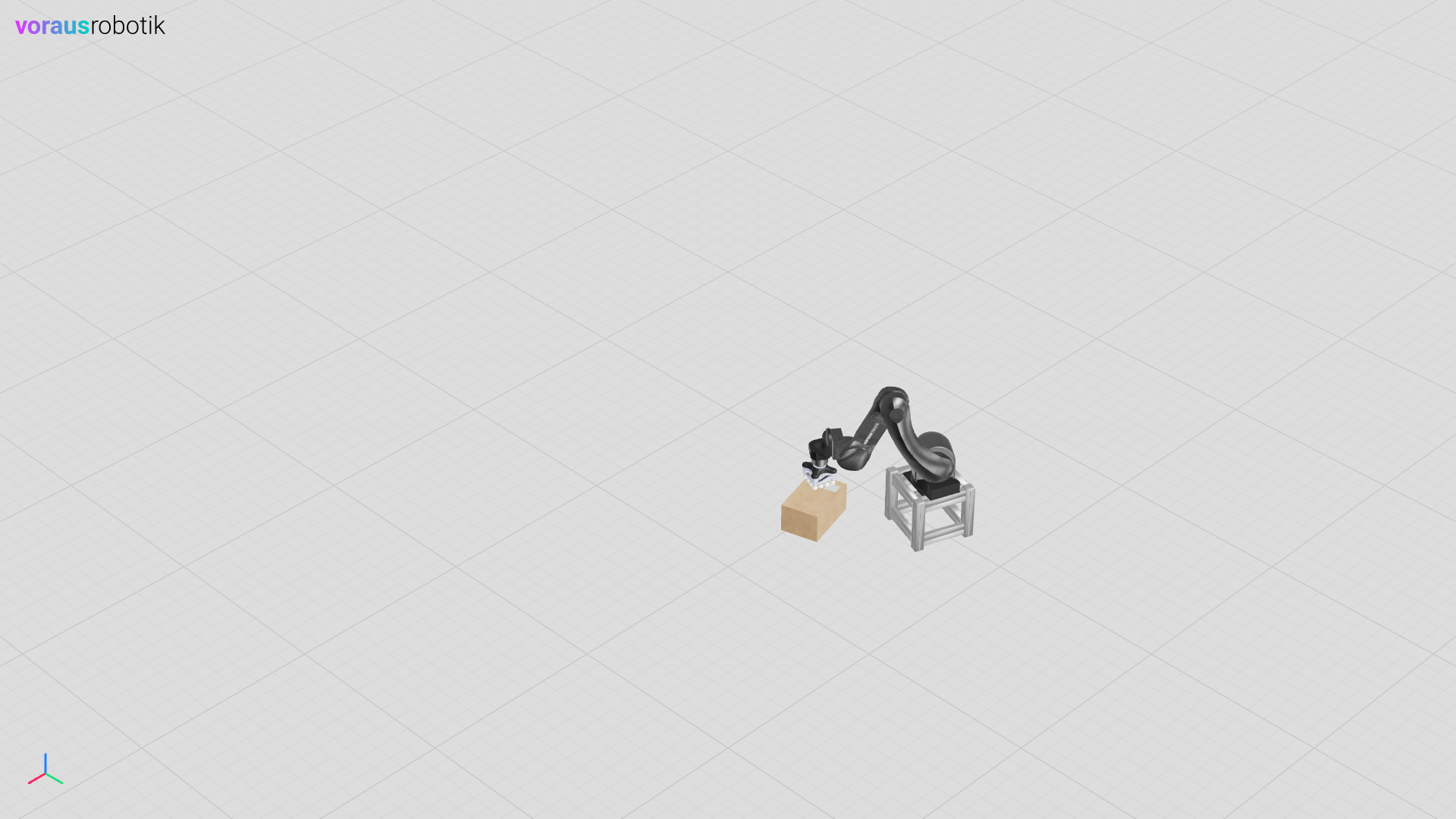
Open localhost:8077 in your web browser to display the simulation as shown in Fig. 19. After the robot reached the home pose, the Python script opens the debugger which waits at the breakpoint until you enter c and press the Enter key. After you have pressed the Enter key, the robot moves to the pick pose on top of the box as shown in Fig. 20.
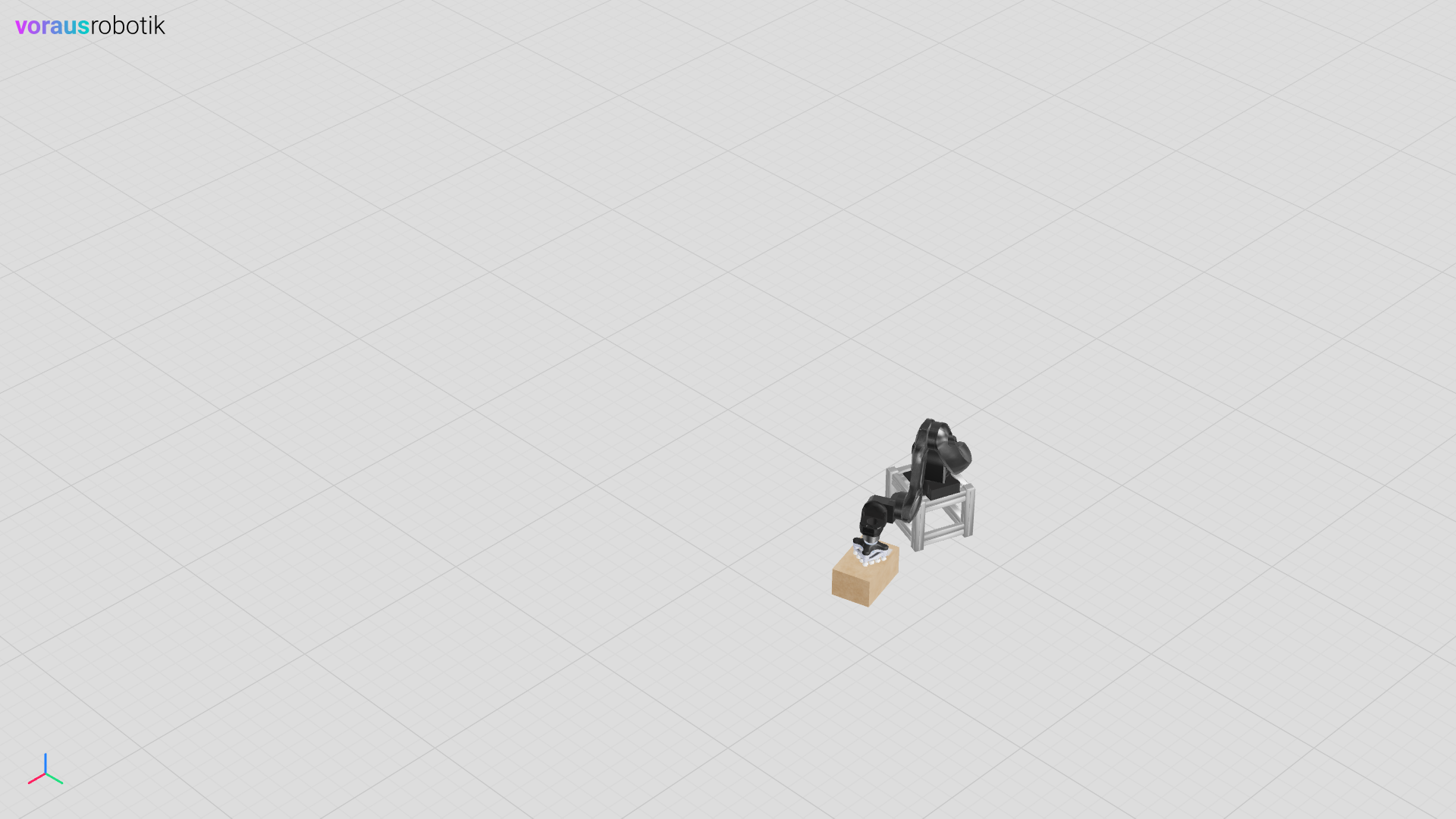
After the robot has moved, the simulation pauses and waits until you continue to the next breakpoint by entering c and pressing the Enter key. After pressing the Enter key, the robot closes the gripper using a digital output and lifts the box as shown in Fig. 21.
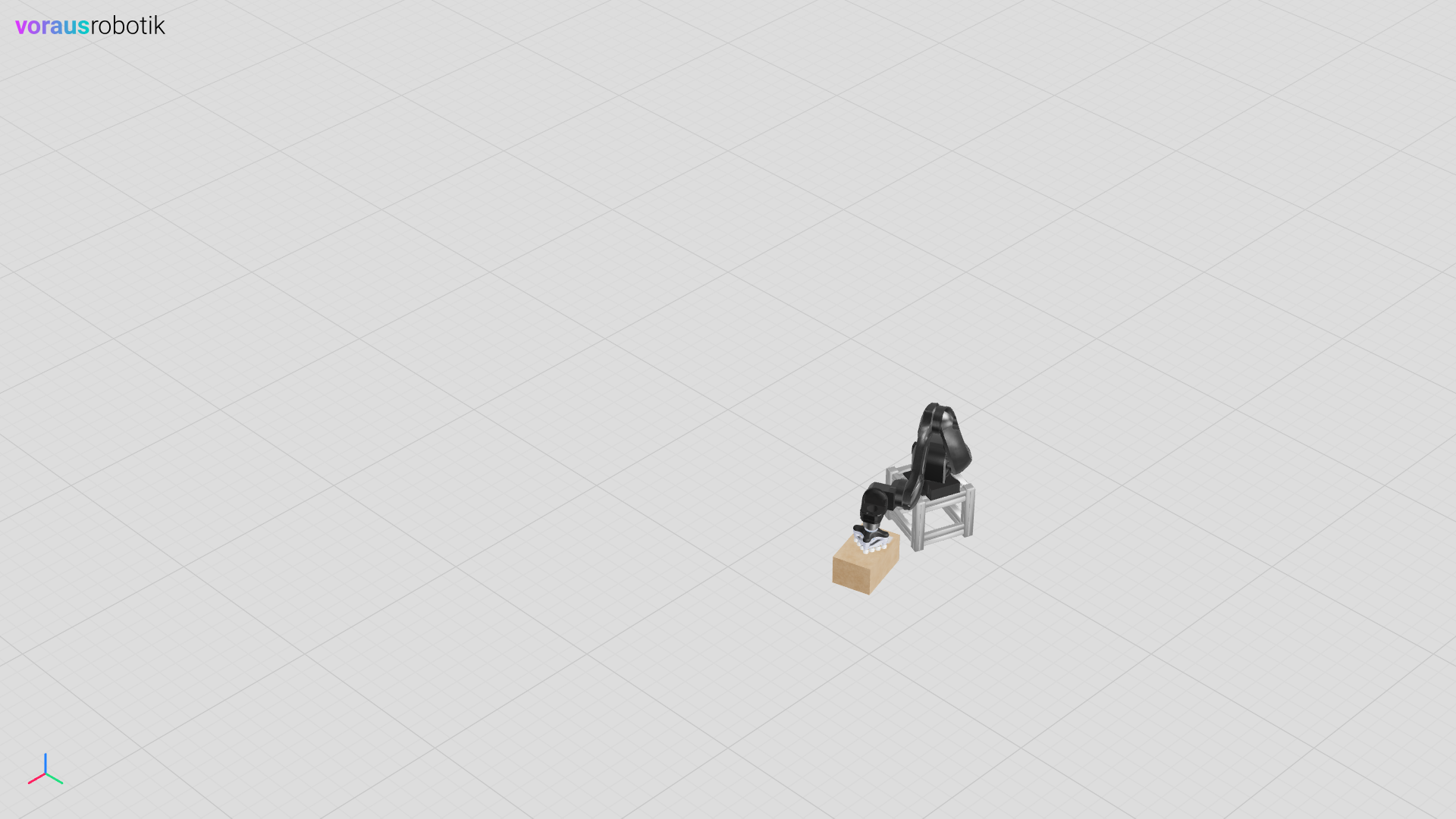
After the robot has lifted the box, the simulation pauses and waits until you continue to the next breakpoint by entering c and pressing the Enter key. After pressing the Enter key, the robot moves the box to another pose as shown in Fig. 22.
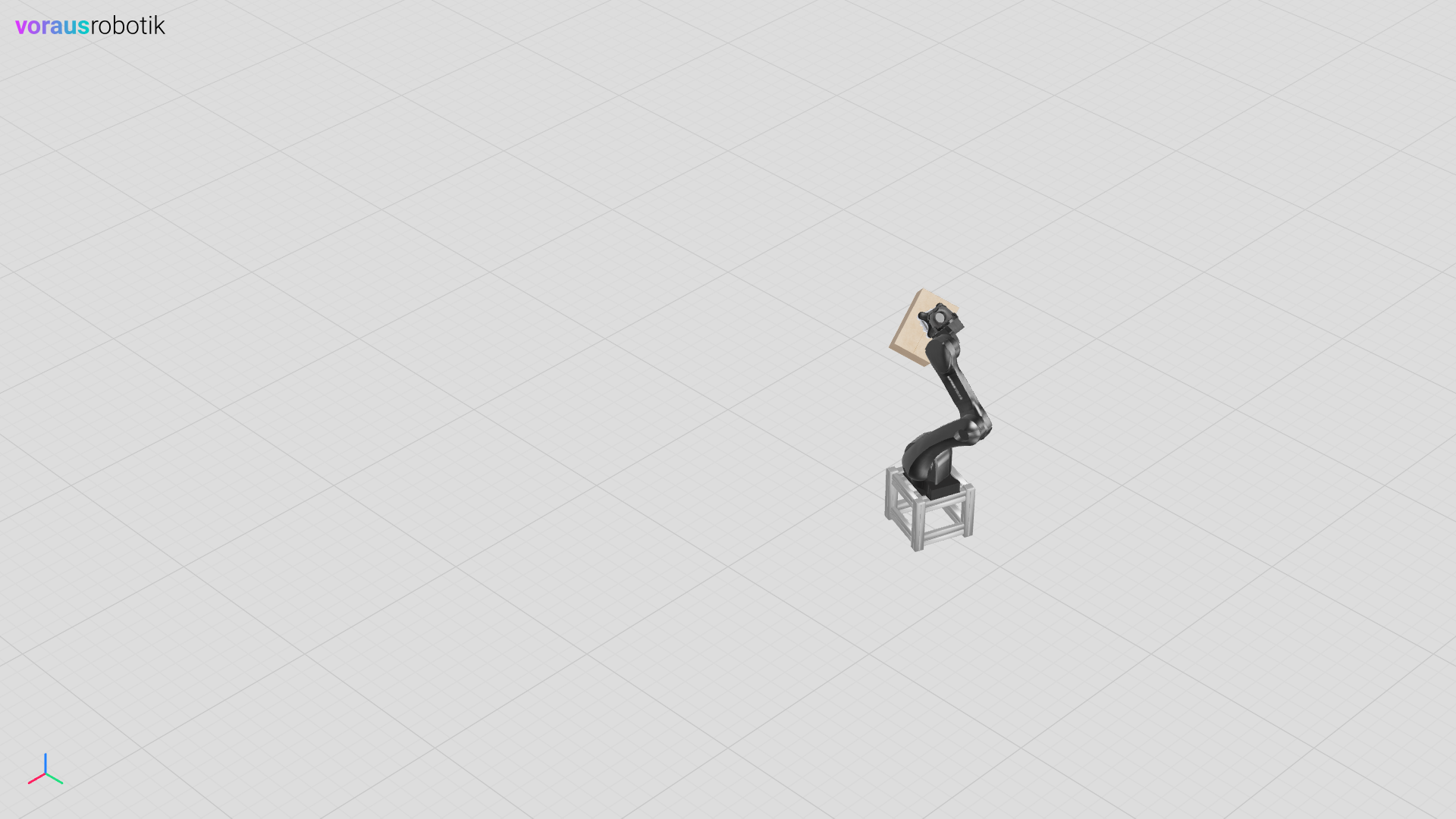
After the robot has moved the box, the simulation pauses and waits until you continue to the next breakpoint by entering c and pressing the Enter key. After pressing the Enter key, the robot moves the box to the place pose as shown in Fig. 23.
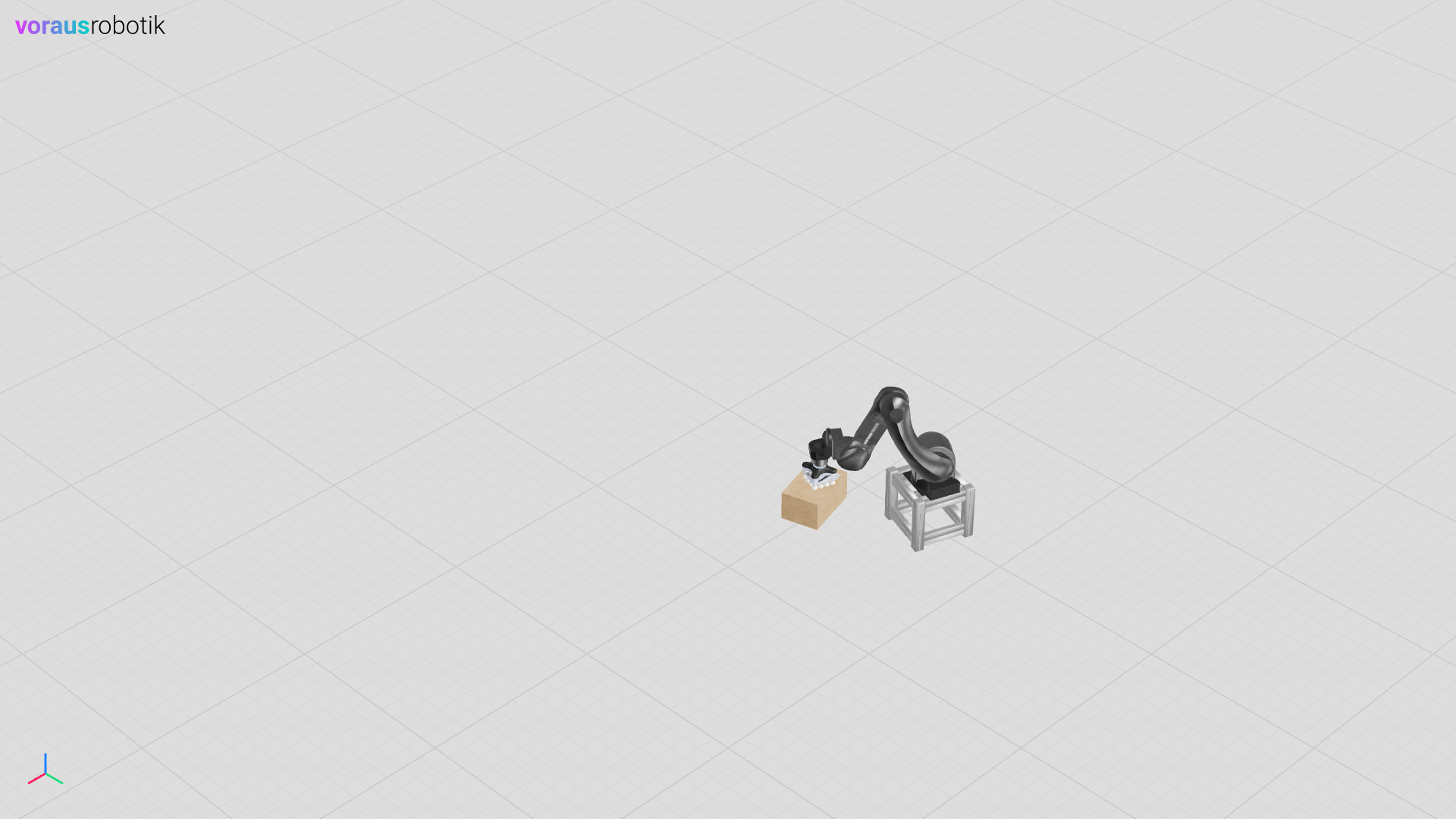
After the robot has moved the box to the place pose, the simulation pauses and waits until you continue to the next breakpoint by entering c and pressing the Enter key. After pressing the Enter key, the robot opens the gripper using a digital output and the box falls on the ground as shown in Fig. 24.
The TCP Python File
The Python file models/tcp/tcp.py defines the TCP simulation model.
There are two different approaches to allow for grasping of dynamic objects.
Setting the base position and orientation of the dynamic object. This will effect the physics calculations and should be used for logic simulations only.
Using constraints and updating the pose with a maximum allowed force. This should be used in all other cases.
  1"""Contains a box tool center point (TCP) model."""
  2
  3from pathlib import Path
  4
  5from voraus_3d_visu import Visu
  6
  7from voraus_simulation import DynamicObject, Pose, bullet_types, get_object, transforms
  8
  9models = Path(__file__).parent
 10
 11
 12class TCP(DynamicObject):
 13    """Describes a tool center point (TCP) model."""
 14
 15    def __init__(
 16        self,
 17        position: list[float] | None = None,
 18        rotation: list[float] | None = None,
 19        debug: bool = False,
 20        use_constraints: bool = True,
 21    ) -> None:
 22        """Initializes a tool center point (TCP) model.
 23
 24        Args:
 25            position: The initial position. Defaults to None.
 26            rotation: The initial rotation. Defaults to None.
 27            debug: Show a debug model in the visu. Defaults to False.
 28            use_constraints: Use constraints if True, else updates the position without physics. Defaults to True.
 29        """
 30        self.debug = debug
 31        self.use_constraints = use_constraints
 32
 33        glb_path: Path | None = models / "tcp.glb" if self.debug else None
 34        urdf_path = models / "tcp.urdf"
 35
 36        super().__init__(glb_path, urdf_path, position, rotation)
 37
 38        self.tcp_constraint: bullet_types.Constraint | None = None
 39        self.grasp_constraint: bullet_types.Constraint | None = None
 40        self.grasp_instant: tuple[Pose, DynamicObject] | None = None
 41
 42    def update_constraint(self, position: list[float], orientation: list[float], grasping: bool = False) -> None:
 43        """Updates the grasping constraint.
 44
 45        Args:
 46            position: The new position of the TCP.
 47            orientation: The new orientation of the TCP.
 48            grasping: True, if robot is grasping, else False. Defaults to False.
 49        """
 50        # TCP constraint
 51        if self.tcp_constraint is None:
 52            self.tcp_constraint = self.create_constraint(
 53                -1,
 54                parent_frame_position=[0, 0, 0],
 55                child_frame_position=position,
 56                child_frame_orientation=orientation,
 57            )
 58        else:
 59            self.tcp_constraint.change(
 60                joint_child_pivot=position,
 61                joint_child_frame_orientation=orientation,
 62            )
 63
 64        # grasping constraint
 65        if grasping:
 66            contact_points = self.get_contact_points()
 67
 68            if self.grasp_constraint is None and contact_points:
 69                contact_id = contact_points[0].body_unique_id_b
 70                obj = get_object(contact_id, DynamicObject)
 71
 72                if obj is not None:
 73                    print("CONSTRAINT CREATE")
 74                    contact_pose = obj.get_pose()
 75                    tcp_pose = Pose(position=position, orientation=orientation)
 76                    tcp_pose_inv = transforms.invert(tcp_pose)
 77                    restraint_pose = transforms.multiply(tcp_pose_inv, contact_pose)
 78                    self.grasp_constraint = self.create_constraint(
 79                        child=contact_id,
 80                        parent_frame_position=restraint_pose.position,
 81                        child_frame_position=[0, 0, 0],
 82                        parent_frame_orientation=restraint_pose.orientation,
 83                    )
 84
 85        else:
 86            if self.grasp_constraint is not None:
 87                print("CONSTRAINT REMOVE")
 88                self.grasp_constraint.remove()
 89                self.grasp_constraint = None
 90
 91    def update_instant(self, position: list[float], quaternion: list[float], grasping: bool = False) -> None:
 92        """Updates the TCP pose instantly.
 93
 94        Args:
 95            position: The new TCP position.
 96            quaternion: The new TCP orientation.
 97            grasping: True, if robot is grasping, else False. Defaults to False.
 98        """
 99        # TCP pose
100        pose = Pose(position=position, orientation=quaternion)
101        self.set_pose(pose)
102        # grasping pose
103        if grasping:
104            contact_points = self.get_contact_points()
105
106            if self.grasp_instant is None and contact_points:
107                contact_id = contact_points[0].body_unique_id_b
108                obj = get_object(contact_id, DynamicObject)
109
110                if obj is not None:
111                    print("INSTANT CREATE")
112                    inverted = transforms.invert(pose)
113                    offset = transforms.multiply(inverted, obj.get_pose())
114                    self.grasp_instant = (offset, obj)
115
116            if self.grasp_instant is not None:
117                offset, obj = self.grasp_instant
118                grasp_pose = transforms.multiply(pose, offset)
119                obj.set_pose(grasp_pose)
120
121        else:
122            if self.grasp_instant is not None:
123                print("INSTANT REMOVE")
124                self.grasp_instant = None
125
126    def update(self, position: list[float], quaternion: list[float], grasping: bool = False) -> None:
127        """Updates the TCP pose.
128
129        Args:
130            position: The new TCP position.
131            quaternion: The new TCP orientation.
132            grasping: True, if robot is grasping, else False. Defaults to False.
133        """
134        if self.use_constraints:
135            self.update_constraint(position, quaternion, grasping=grasping)
136        else:
137            self.update_instant(position, quaternion, grasping=grasping)
138
139
140if __name__ == "__main__":
141    import sys
142
143    sys.path.append(str(Path(__file__).parent.parent.parent))
144
145    from argparse import ArgumentParser
146    from math import radians
147
148    from models.box.box import Box
149    from models.robot.robot import Robot
150
151    from voraus_simulation import Simulation, StaticObject
152
153    parser = ArgumentParser()
154    parser.add_argument("--use-constraints", action="store_true", default=False)
155    args = parser.parse_args()
156
157    simulation = Simulation(frequency=50, visualization=Visu("http://voraus-3d-visu/"))
158
159    robot = Robot("opc.tcp://voraus-core:48401/", [0, 1.5, 0.3], rotation=[0, 0, radians(-20)])
160    with simulation.run(), robot.connection():
161        StaticObject(glb_file=None, urdf_path=Path("plane_transparent.urdf"))
162        box1 = Box([0.6, 1.6, 0.2], rotation=[0, 0, radians(15)])
163        robot.get_robot_data()
164
165        tcp = TCP(position=robot.robot_data.world_position, debug=False, use_constraints=args.use_constraints)
166
167        while True:
168            robot.get_robot_data()
169
170            grasp = robot.robot_data.digital_outputs[1]
171            tcp.update(robot.robot_data.world_position, robot.robot_data.world_quaternion, grasping=grasp)
172
173            simulation.step()
174            simulation.sleep()
The Program Python File
The Python file models/tcp/program.py defines the robot program.
 1# pylint: disable=forgotten-debug-statement, protected-access
 2"""Contains the program which controls the robot."""
 3
 4from math import radians
 5
 6from voraus_robot_arm import CartesianPose, JointPose, Percent, VorausIndustrialRobotArm, y
 7
 8robot = VorausIndustrialRobotArm()
 9home = JointPose(0, -1.57, 1.57, -1.57, -1.57, 0)
10scan = JointPose(radians(-63), radians(-131), radians(80), radians(-80), radians(-60), radians(-10))
11pre_pick = CartesianPose(0.5, 0.3, -0.05, -radians(180), 0, -radians(180))
12pick = CartesianPose(0.5, 0.3, -0.132, -radians(180), 0, -radians(180))
13offset = -0.6
14
15if __name__ == "__main__":
16    with robot.connect("voraus-core", 48401):
17        gripper_do = robot.get_digital_output_v(2)
18        robot.enable()
19        robot.set_time_override(Percent(100))
20        robot._driver._objects.robot.commands.tool.set_tool_transformation_offset((0, 0, 0.103, 0, 0, 0))
21
22        robot.move_ptp(home).result()
23        breakpoint()
24        robot.move_ptp(pre_pick).result()
25        robot.move_linear(pick).result()
26        breakpoint()
27
28        gripper_do.set()
29
30        robot.move_linear(pre_pick).result()
31        breakpoint()
32        robot.move_ptp(scan).result()
33        breakpoint()
34        robot.move_ptp(pre_pick + y(offset)).result()
35        breakpoint()
36
37        gripper_do.clear()
The TCP URDF File
The URDF file models/tcp/tcp.urdf defines the TCP simulation parameters.
 1<?xml version="1.0" ?>
 2<robot name="box">
 3  <link name="baseLink">
 4    <contact>
 5      <lateral_friction value="1.0"/>
 6      <rolling_friction value="0.0"/>
 7      <contact_cfm value="0.0"/>
 8      <contact_erp value="1.0"/>
 9    </contact>
10    <inertial>
11      <origin rpy="0 0 0" xyz="0 0 0"/>
12      <mass value="40"/>
13      <inertia ixx="1" ixy="0" ixz="0" iyy="1" iyz="0" izz="1"/>
14    </inertial>
15    <visual>
16      <origin rpy="0 0 0" xyz="0 0 0"/>
17      <geometry>
18		    <mesh filename="tcp.obj" scale="1 1 1"/>
19      </geometry>
20      <material name="white">
21        <color rgba="1 1 1 1"/>
22      </material>
23    </visual>
24    <collision>
25      <origin rpy="0 0 0" xyz="0 0 0"/>
26      <geometry>
27	      <mesh filename="tcp.obj" scale="1 1 1"/>
28      </geometry>
29    </collision>
30  </link>
31</robot>