
Light Barrier Model
In this example, you will define a light barrier model, and a simulation with a conveyor and a box, see Fig. 14.
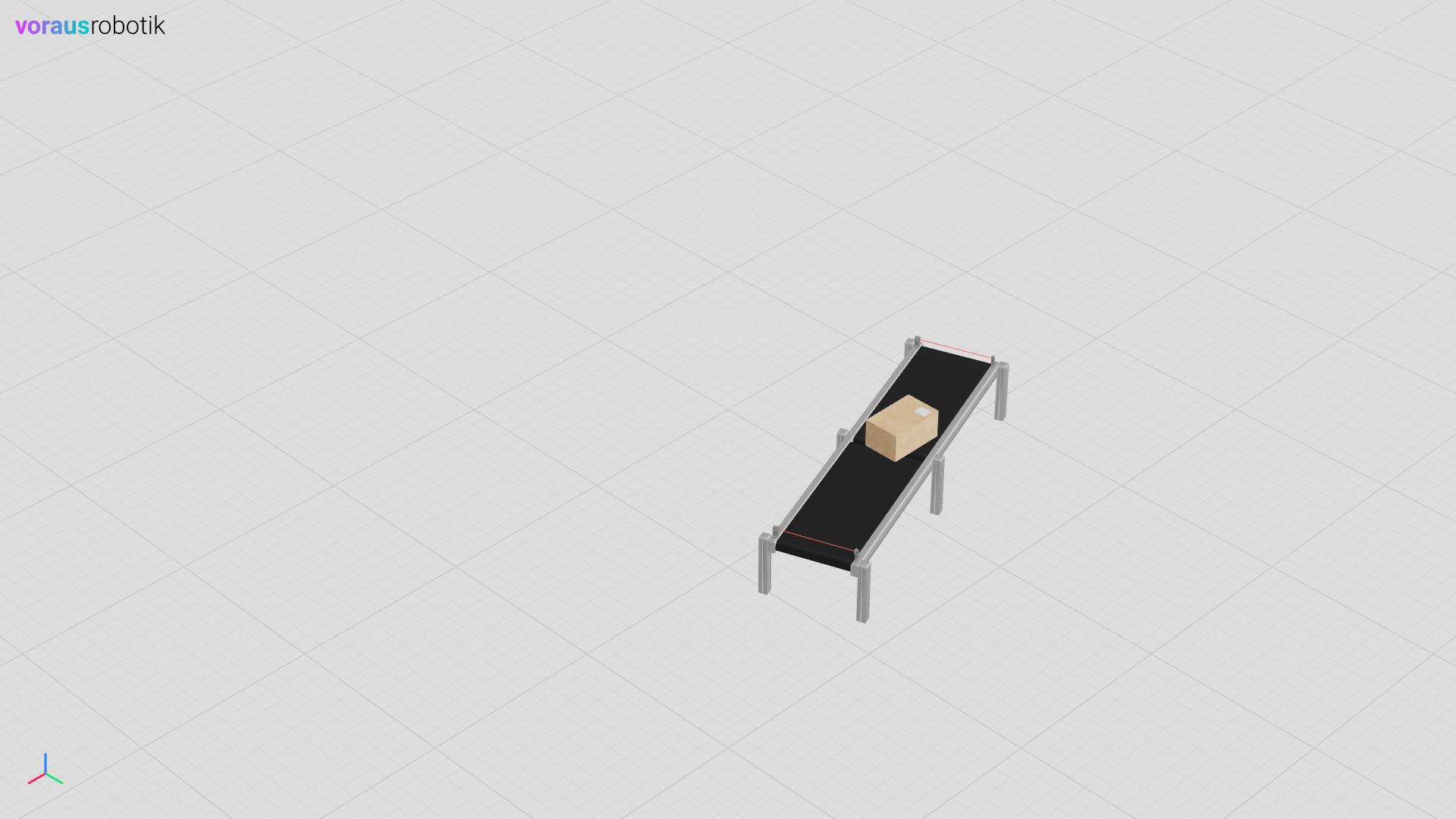
Fig. 14 The conveyor, light barriers and the box in the voraus Simulation
Run the Simulation
Open a terminal in VS Code and start the light_barrier.py Python script with the following command:
python models/light_barrier/light_barrier.py
Open localhost:8077 in your web browser to display the simulation as shown in Fig. 14. After the conveyor belt, the light barriers, and the box have been loaded, the Python script waits until you press the Enter key. After you have pressed the Enter key, the conveyor belt starts with a negative velocity. The box starts to move until it reaches the light barrier as shown in Fig. 15.
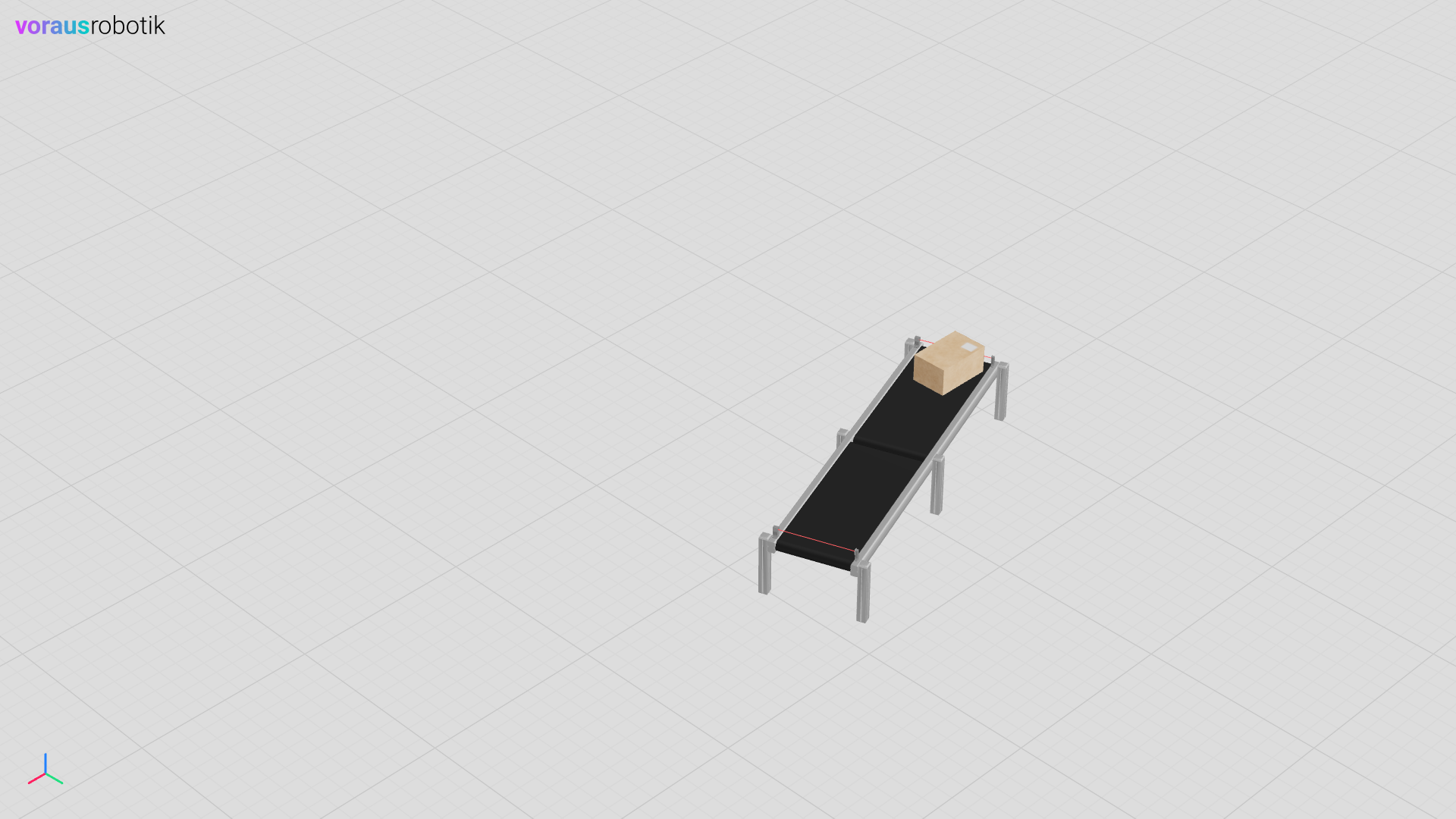
Fig. 15 The box has moved in negative direction until it reached the light barrier
The script pauses and waits until you have pressed the Enter key. Press the Enter key to start the conveyor belt in opposite direction and run the simulation to the end. The box will move in opposite direction until it reaches the second light barrier as shown in Fig. 16.
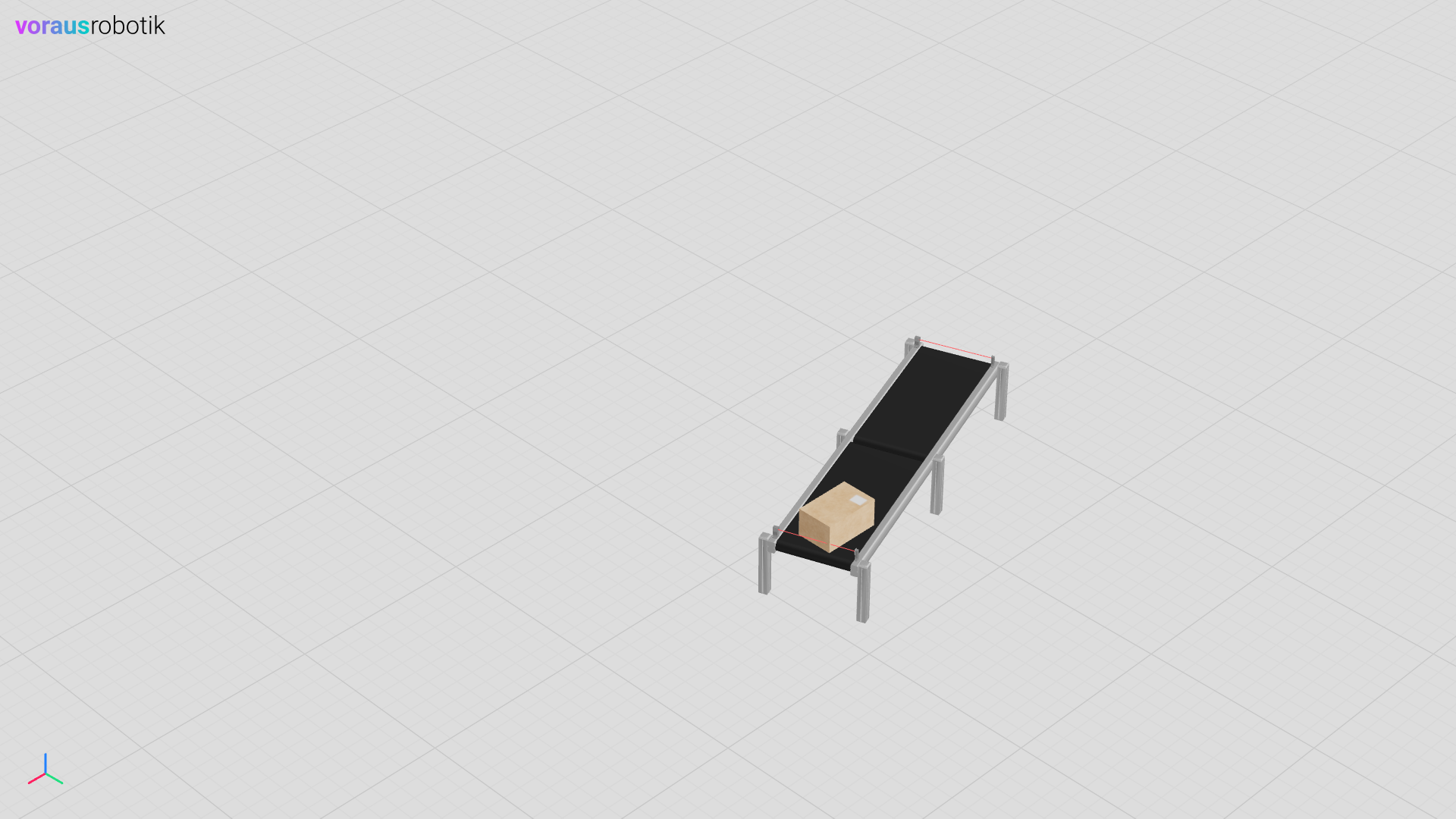
Fig. 16 The box has moved in positive direction until it reached the light barrier
The Light Barrier Python File
The Python file models/light_barrier/light_barrier.py defines the conveyor belt simulation model.
The light barrier simulation model is using a ray test.
 1"""Contains a light barrier simulation model."""
 2
 3from pathlib import Path
 4
 5from voraus_3d_visu import Visu
 6
 7from voraus_simulation import Pose, StaticObject, transforms
 8
 9models = Path(__file__).parent
10
11
12class LightBarrier(StaticObject):
13    """Defines a light barrier simulation model."""
14
15    def __init__(self, position: list[float], rotation: list[float] | None = None) -> None:
16        """Initializes a light barrier simulation model.
17
18        Args:
19            position: The initial position of the light barrier.
20            rotation: The initial rotation of the light barrier. Defaults to None.
21        """
22        glb_path = models / "light_barrier.glb"
23        urdf_path = models / "light_barrier.urdf"
24        super().__init__(glb_path, urdf_path, position, rotation)
25
26        width = 0.4
27        height = 0.05
28
29        pose = self.get_pose()
30        self.point_a = transforms.multiply(pose, Pose(position=[0, -width / 2, height], orientation=[0, 0, 0, 1]))
31        self.point_b = transforms.multiply(pose, Pose(position=[0, +width / 2, height], orientation=[0, 0, 0, 1]))
32
33    def is_clear(self) -> bool:
34        """Checks if the light barrier is clear.
35
36        Returns:
37            bool: True, if clear, False if intercepted.
38        """
39        intersections = self.ray_test(self.point_a.position, self.point_b.position)
40        if intersections and (intersections[0].object_unique_id == -1):
41            return True
42        return False
43
44
45if __name__ == "__main__":
46    import sys
47    from math import radians
48
49    sys.path.append(str(Path(__file__).parent.parent.parent))
50
51    from models.box.box import Box
52    from models.conveyor.conveyor import Conveyor
53
54    from voraus_simulation import Simulation
55
56    simulation = Simulation(frequency=50, visualization=Visu("http://voraus-3d-visu/"))
57
58    with simulation.run():
59        conveyor = Conveyor([0, 1.2, 0], rotation=[0, 0, radians(20)], velocity=0.5)
60        conveyor_pose = conveyor.get_pose()
61
62        lb1_pose_local = Pose(position=[-0.95, 0, 0.35], orientation=[0, 0, 0, 1])
63        lb1_pose = transforms.multiply(conveyor_pose, lb1_pose_local)
64        lb1 = LightBarrier(lb1_pose.position, rotation=[0, 0, radians(20)])
65
66        lb2_pose_local = Pose(position=[0.95, 0, 0.35], orientation=[0, 0, 0, 1])
67        lb2_pose = transforms.multiply(conveyor_pose, lb2_pose_local)
68        lb2 = LightBarrier(lb2_pose.position, rotation=[0, 0, radians(20)])
69
70        box = Box([-0.1, 1.2, 0.43])
71
72        input("Press <enter> to start the example.")
73        direction = -1
74        while True:
75            if not lb1.is_clear() and direction == -1:
76                direction = 1
77                input("Press <enter> to continue.")
78            elif not lb2.is_clear() and direction == 1:
79                direction = -1
80                break
81
82            conveyor.update(enable=True, velocity=0.5 * direction)
83
84            simulation.step()
85            conveyor.reset_pose()
86            simulation.sleep()
The Light Barrier URDF File
The URDF file models/light_barrier/light_barrier.urdf defines the light barrier simulation parameters.
 1<?xml version="1.0" ?>
 2<robot name="box">
 3  <link name="baseLink">
 4    <contact>
 5      <lateral_friction value="1.0"/>
 6      <rolling_friction value="0.0"/>
 7      <contact_cfm value="0.0"/>
 8      <contact_erp value="1.0"/>
 9    </contact>
10    <inertial>
11      <origin rpy="0 0 0" xyz="0 0 0"/>
12       <mass value="0"/>
13       <inertia ixx="1" ixy="0" ixz="0" iyy="1" iyz="0" izz="1"/>
14    </inertial>
15    <visual>
16      <origin rpy="0 0 0" xyz="0 0 0"/>
17      <geometry>
18        <mesh filename="light_barrier.obj" scale="1 1 1"/>
19      </geometry>
20      <material name="white">
21        <color rgba="1 1 1 1"/>
22      </material>
23    </visual>
24    <collision concave="yes">
25      <origin rpy="0 0 0" xyz="0 0 0"/>
26      <geometry>
27        <mesh filename="light_barrier.obj" scale="1 1 1"/>
28      </geometry>
29    </collision>
30  </link>
31</robot>