
Pallet Model
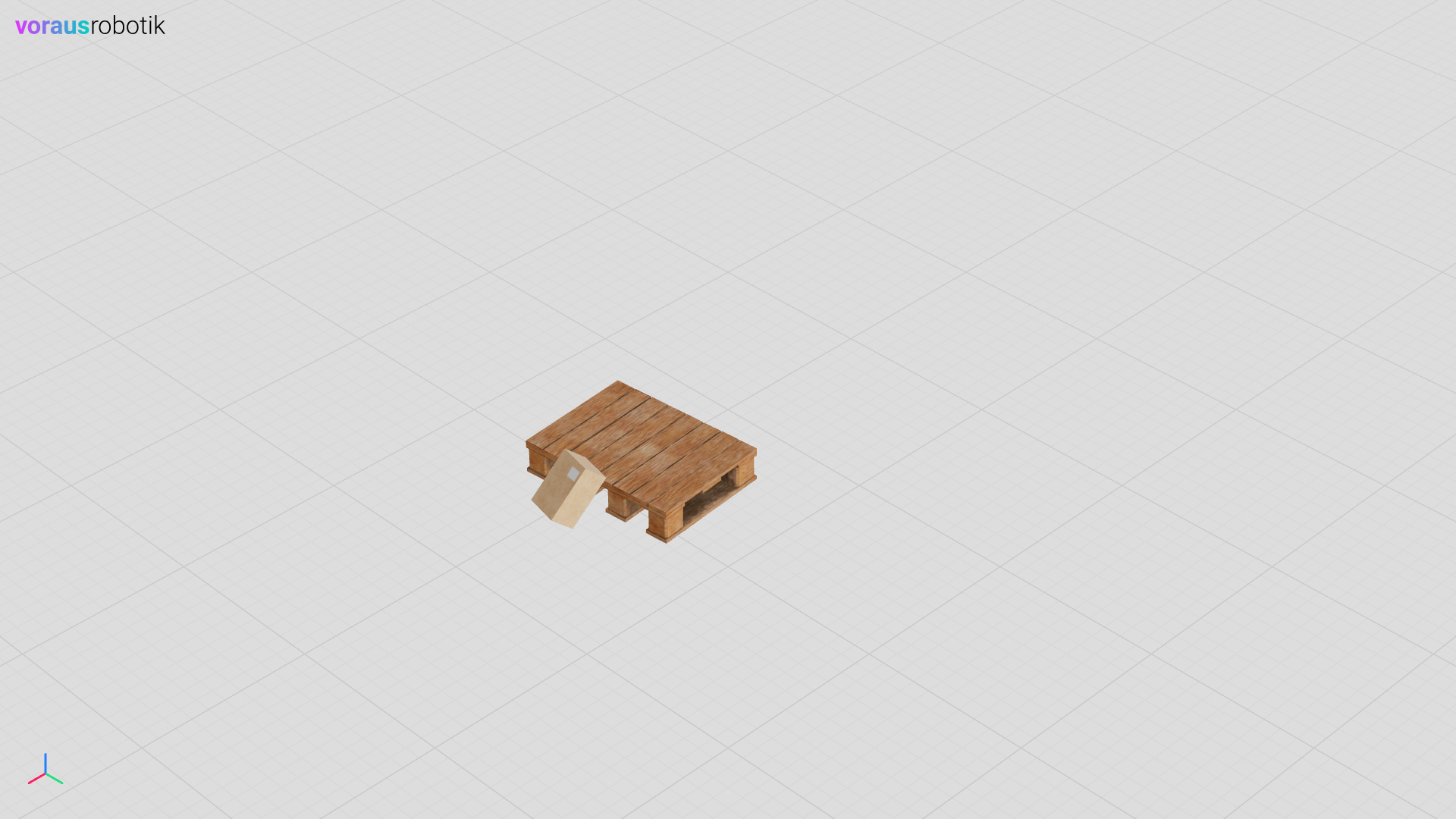
In this example, you will define a pallet simulation model as well as a simulation with a pallet and a box, see Fig. 9.
Run the Simulation
Open localhost:8077 in your web browser to display the simulation.
Open a terminal in VS Code and start the pallet.py Python script with the following command:
python models/pallet/pallet.py
The static pallet object will be loaded into the simulation. A box falls onto the pallet and remains leaning against it as shown in Fig. 9.
The Pallet Python File
The Python file models/pallet/pallet.py defines the pallet simulation model.
 1"""Describes a pallet simulation model."""
 2
 3from pathlib import Path
 4
 5from voraus_3d_visu import Visu
 6
 7from voraus_simulation import StaticObject
 8
 9models = Path(__file__).parent
10
11
12class Pallet(StaticObject):
13    """Defines a pallet simulation model."""
14
15    def __init__(self, position: list[float] | None = None, rotation: list[float] | None = None) -> None:
16        """Initializes a pallet simulation model.
17
18        Args:
19            position: The initial position. Defaults to None.
20            rotation: The initial rotation. Defaults to None.
21        """
22        glb_path = models / "pallet.glb"
23        urdf_path = models / "pallet.urdf"
24        super().__init__(glb_path, urdf_path, position, rotation)
25
26
27if __name__ == "__main__":
28    import sys
29    from math import radians
30
31    sys.path.append(str(Path(__file__).parent.parent.parent))
32    from models.box.box import Box
33
34    from voraus_simulation import Simulation
35
36    simulation = Simulation(frequency=50, visualization=Visu("http://voraus-3d-visu/"))
37
38    with simulation.run():
39        StaticObject(glb_file=None, urdf_path=Path("plane_transparent.urdf"))
40        pallet = Pallet([0.76, 0.10, 0.11], rotation=[0, 0, radians(5)])
41        Box([1.24, 0.10, 0.3])
42
43        frame = 0
44        while frame < 100:
45            simulation.step()
46            simulation.sleep()
47            frame += 1
The Pallet URDF File
The URDF file models/pallet/pallet.urdf defines the pallet simulation parameters.
 1<?xml version="1.0" ?>
 2<robot name="box">
 3  <link name="baseLink">
 4    <contact>
 5      <lateral_friction value="1.0"/>
 6      <rolling_friction value="0.0"/>
 7      <contact_cfm value="0.0"/>
 8      <contact_erp value="1.0"/>
 9    </contact>
10    <inertial>
11      <origin rpy="0 0 0" xyz="0 0 0"/>
12       <mass value="0"/>
13       <inertia ixx="1" ixy="0" ixz="0" iyy="1" iyz="0" izz="1"/>
14    </inertial>
15    <visual>
16      <origin rpy="0 0 0" xyz="0 0 0"/>
17      <geometry>
18		    <mesh filename="pallet.obj" scale="1 1 1"/>
19      </geometry>
20      <material name="white">
21        <color rgba="1 1 1 1"/>
22      </material>
23    </visual>
24    <collision>
25      <origin rpy="0 0 0" xyz="0 0 0"/>
26      <geometry>
27	      <mesh filename="pallet.obj" scale="1 1 1"/>
28      </geometry>
29    </collision>
30  </link>
31</robot>